313
3-3.4 Detailed Statistics
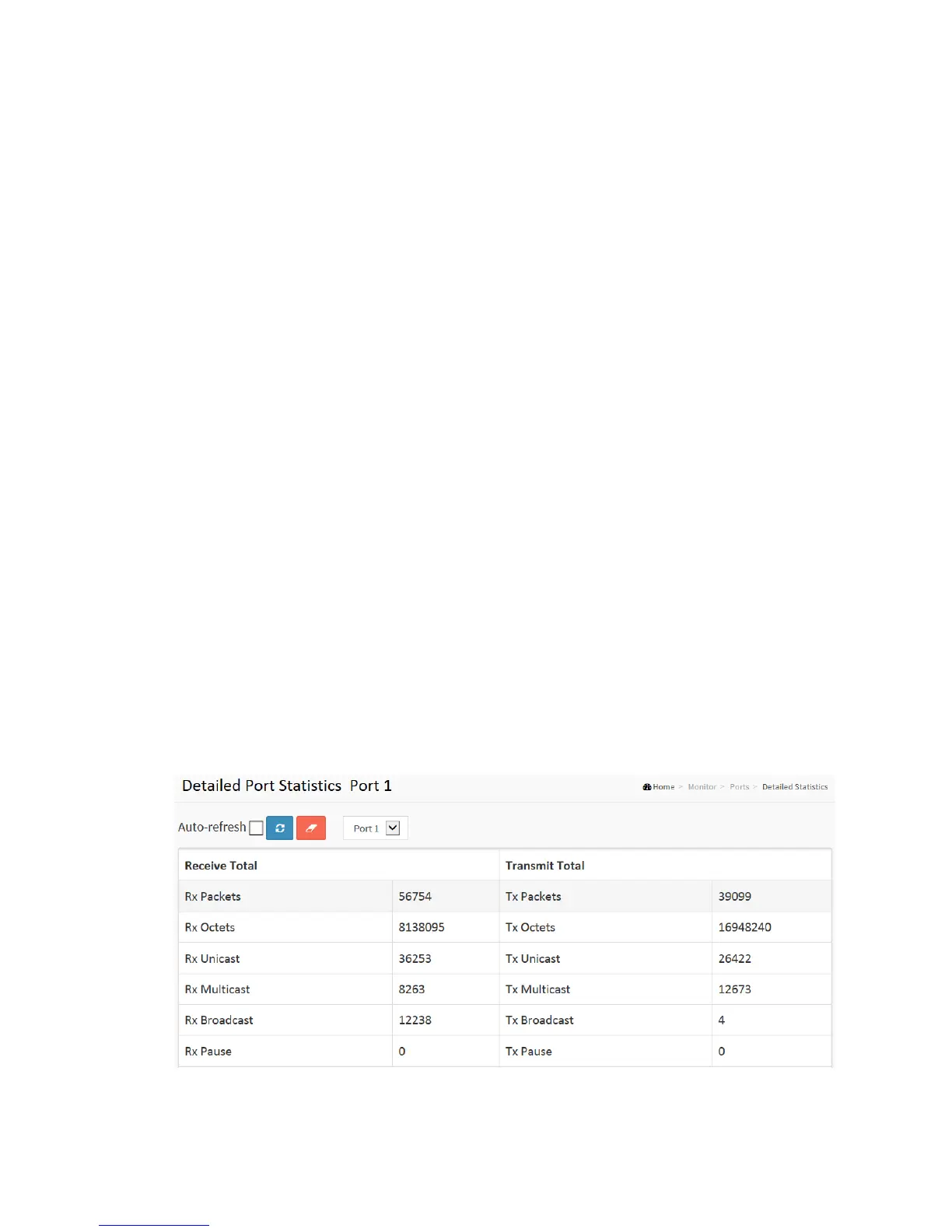
The section describes how to provide detailed traffic statistics for a specific switch port.
Use the port select box to select which switch port details to display.
The displayed counters are the totals for receive and transmit, the size counters for
receive and transmit, and the error counters for receive and transmit.
Web Interface
To Display per port detailed Statistics Overview in the web interface:
1. Click Monitor, Ports, then Detailed Port Statistics
2. Scroll the Port Index to select which port you want to show the detailed
3. Port statistics overview”.
4. If you want to auto-refresh the information then you need to evoke the
“Auto-refresh”.
5. Click “Refresh” to refresh the port detailed statistics or clear all information when
you click “Clear”.
Figure 3-3.4: The Detailed Port Statistics



 To Next Page