185
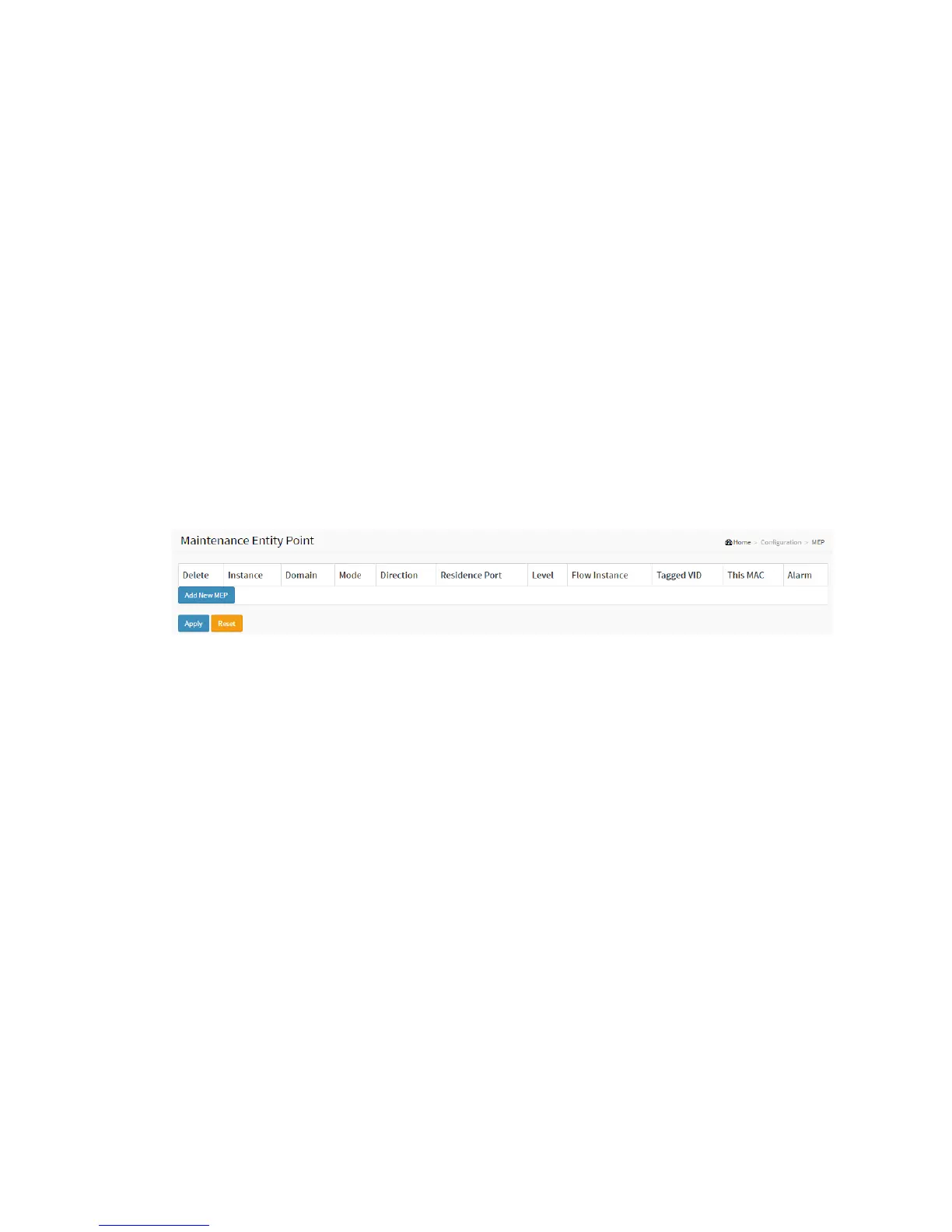
2-16 MEP
The Maintenance Entity Point instances are configured here.
Web Interface
To configure the MEP parameters in the web interface:
1. Click Configuration and MEP.
2. Specify the Maintenance Entity Point parameters.
3. Click Apply to apply the change.
Figure 2-16: The Maintenance Entity Point
Parameter description:
Power Supply Configuration
Delete
This box is used to mark a MEP for deletion in next Save operation.
Instance
The ID of the MEP. Click on the ID of a MEP to enter the configuration page. The range is
from 1 through 100.
Domain
Port: This is a MEP in the Port Domain.
EVC: This is a MEP in the EVC Domain. 'Flow Instance' is an EVC. The EVC must be created
VLAN: This is a MEP in the VLAN Domain. 'Flow Instance' is a VLAN. In case of Up-MEP
the VLAN must be created
Mode
MEP: This is a Maintenance Entity End Point.
MIP: This is a Maintenance Entity Intermediate Point.



 To Next Page