217
2-23 VOICE VLAN
Voice VLAN is VLAN configured specially for voice traffic. By adding the ports with
voice devices attached to voice VLAN, we can perform QoS-related configuration for
voice data, ensuring the transmission priority of voice traffic and voice quality.
2-23.1 Configuration
The Voice VLAN feature enables voice traffic forwarding on the Voice VLAN, then the
switch can classify and schedule network traffic. It is recommended that there be two
VLANs on a port - one for voice, one for data. Before connecting the IP device to the
switch, the IP phone should configure the voice VLAN ID correctly. It should be
configured through its own GUI.
Web Interface
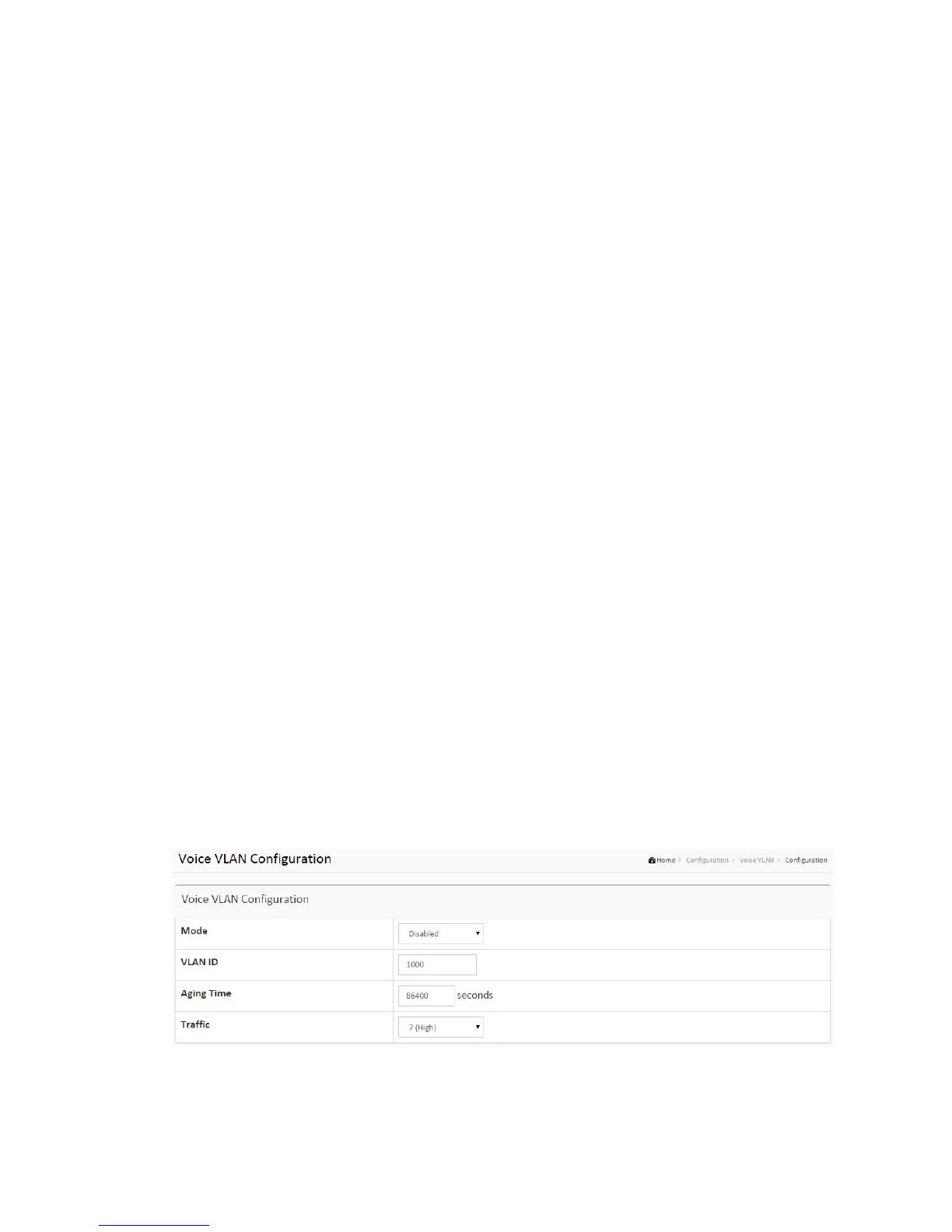
To configure Voice VLAN in the web interface:
1. Select “Enabled” in the Voice VLAN Configuration.
2. Specify VLAN ID Aging Time Traffic Class.
3. Specify (Port Mode, Security, Discovery Protocol)
in the Port Configuration
4. Click Apply.
Figure 2-23.1: The Voice VLAN Configuration



 To Next Page