336
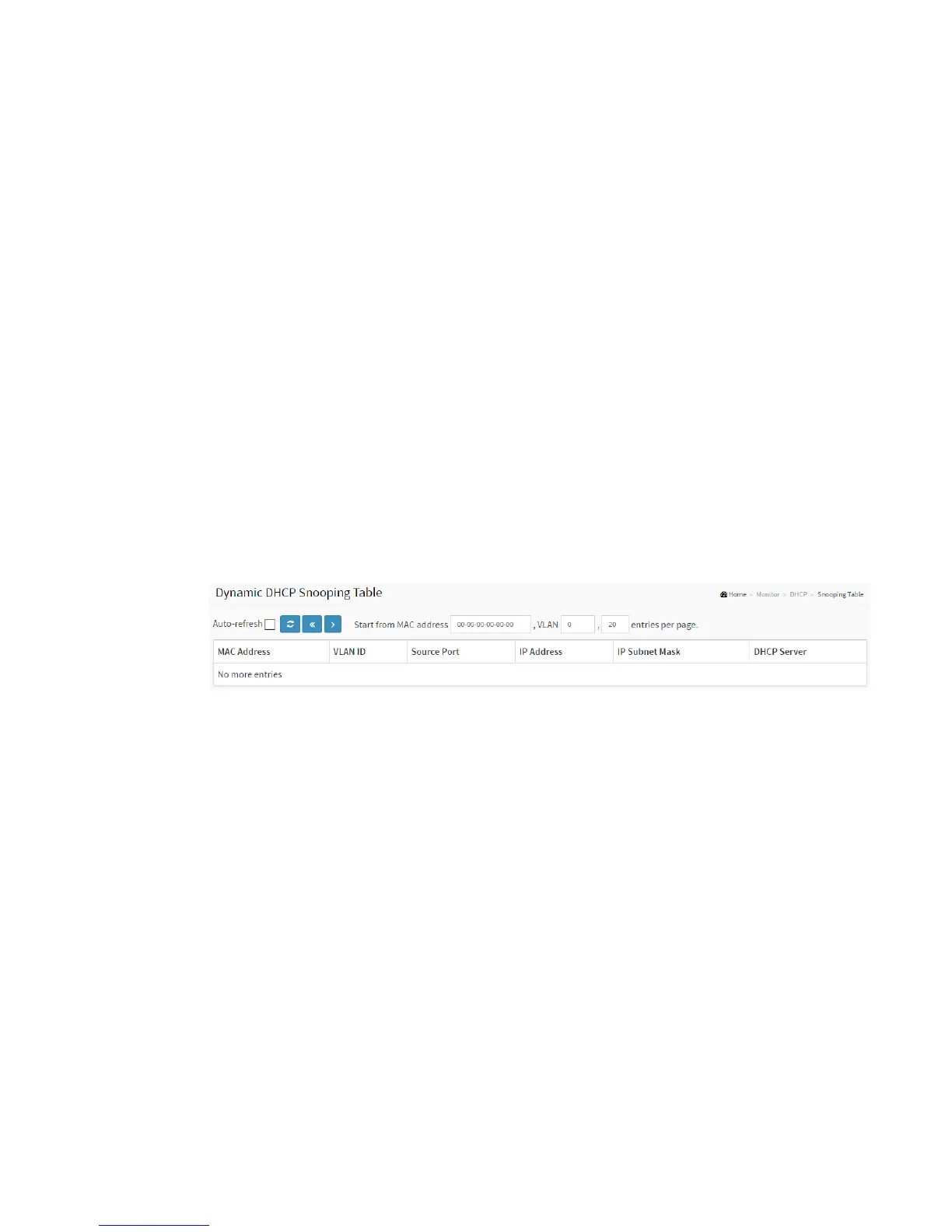
3-5.2 Snooping Table
This page display the dynamic IP assigned information after DHCP Snooping mode is
disabled. All DHCP clients obtained the dynamic IP address from the DHCP server will
be listed in this table except for local VLAN interface IP addresses. Entries in the
Dynamic DHCP snooping Table are shown on this page.
Web Interface
To monitor a DHCP in the web interface:
1. Click Monitor, DHCP, and Snooping table
2. Checked “Auto-refresh”.
3. Click “Refresh” to refresh the port detailed statistics or clear all
information when you click “Clear”.
Figure 3-5.2: The DHCP snooping table
Parameter description:
MAC Address :
User MAC address of the entry.
VLAN ID :
VLAN-ID in which the DHCP traffic is permitted.
Source Port:
Switch Port Number for which the entries are displayed.
IP Address :
User IP address of the entry.
IP Subnet Mask :



 To Next Page