204
2-21.2 Port Isolation
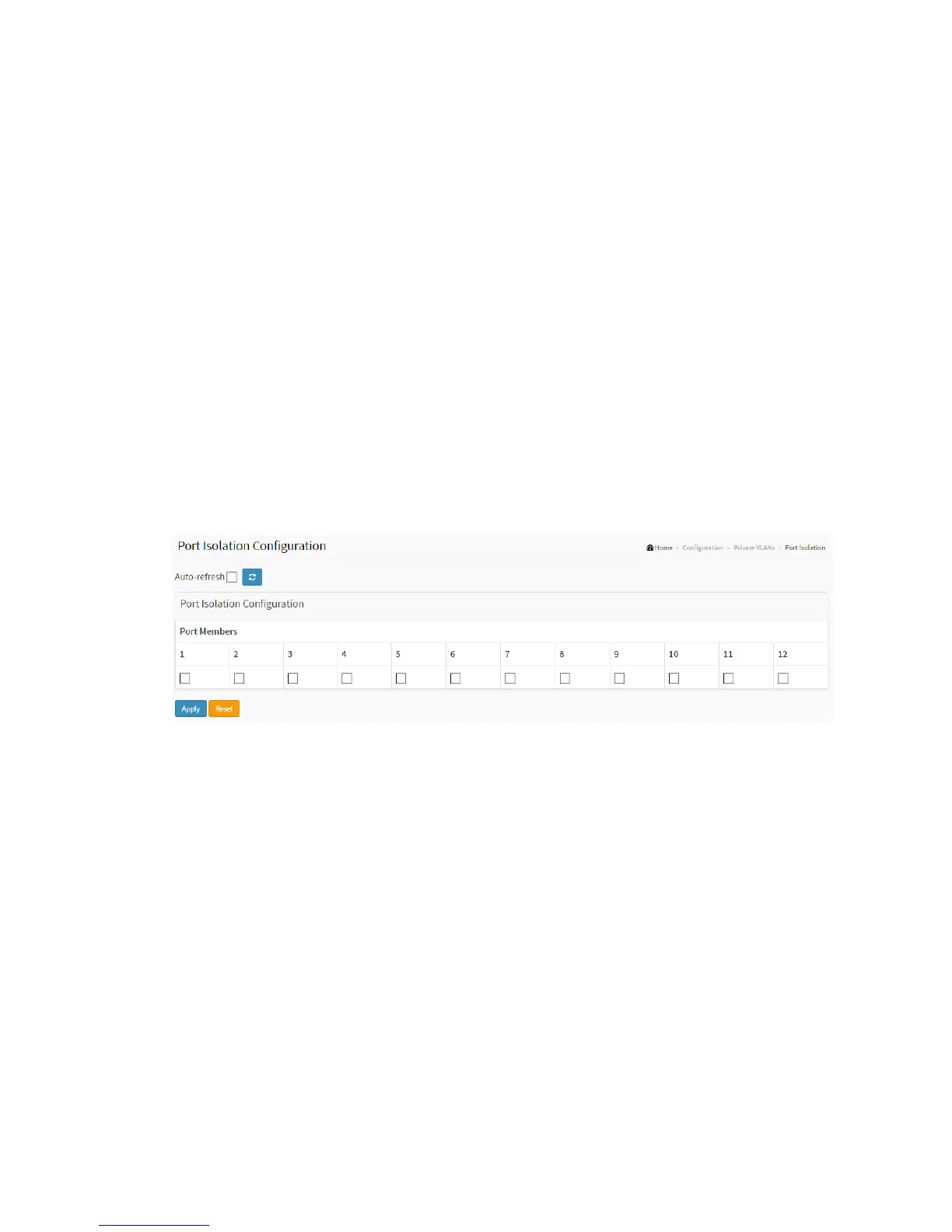
This page is used for enabling or disabling port isolation on ports in a Private VLAN.
A port member of a VLAN can be isolated to other isolated ports on the same VLAN and
Private VLAN.
Web Interface
To configure Port Isolation configuration in the web interface:
1. Click Configuration, Private VLAN, Port Isolation.
2. Evoke which port want to enable Port Isolation
3. Click Apply.
Figure 2-21.2: The Port Isolation Configuration
Parameter description:
Port Members :
A check box is provided for each port of a private VLAN. When checked, port
isolation is enabled on that port. When unchecked, port isolation is disabled on
that port. By default, port isolation is disabled on all ports.
Buttons:
Refresh- Click to refresh the page immediately.
Apply – Click to save changes.
Reset- Click to undo any changes made locally and revert to previously saved



 To Next Page