449
3-17 VLANs
3-17.1 Membership
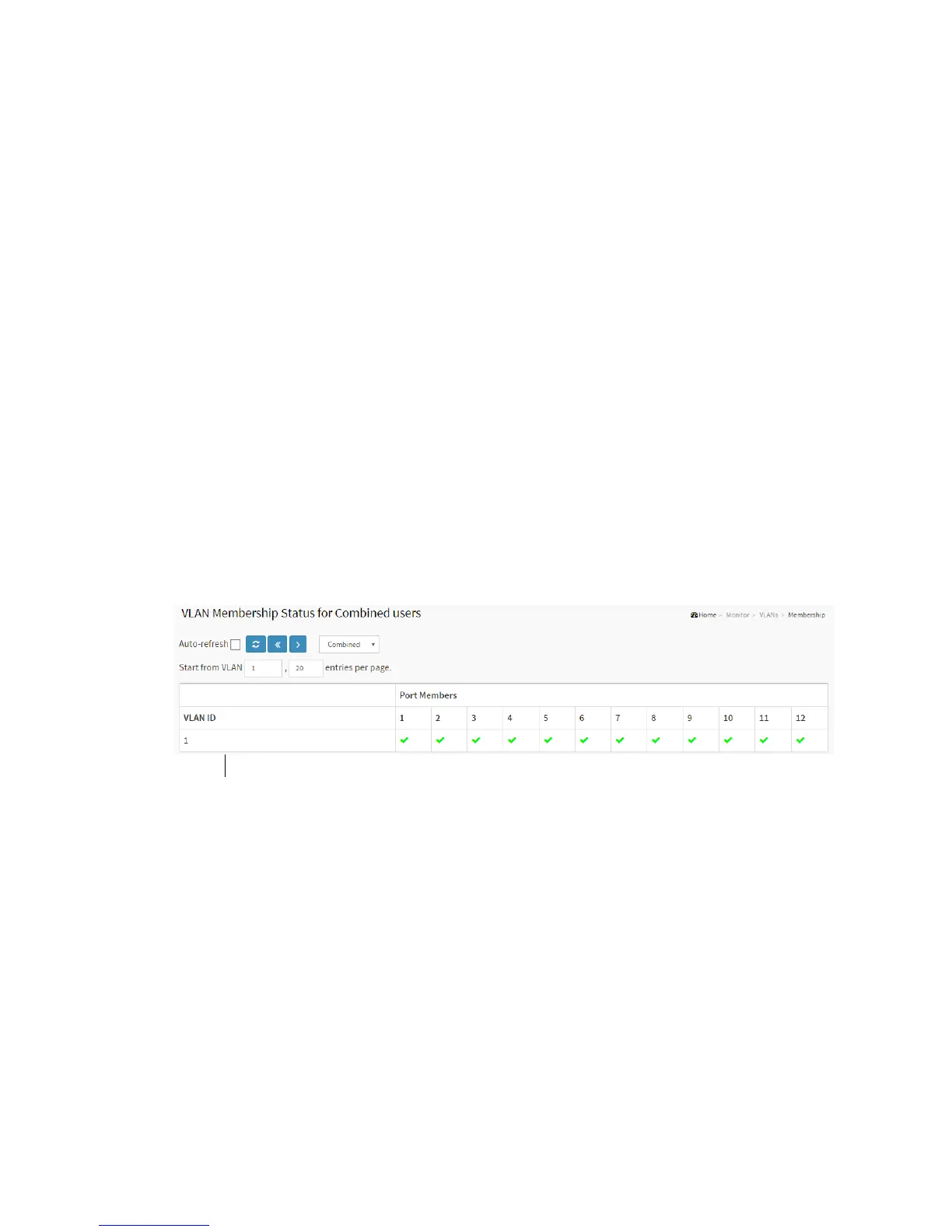
This page provides an overview of membership status of VLAN users.
The ports belong to the currently selected stack unit, as reflected by the page header.
Web Interface
To configure VLAN membership configuration in the web interface:
1. Click Monitor, VLANs, VLAN membership.
2. Scroll the bar to choice which VLANs would like to show up.
3. Click Refresh to update the state.
Figure 3-17.1: VLAN Membership Status for Combined users
Parameter description:
VLAN USER
VLAN User module uses services of the VLAN management functionality to
configure VLAN memberships and VLAN port configurations such as PVID and
UVID. Currently we support the following VLAN user types:
CLI/Web/SNMP : These are referred to as static.
NAS : NAS provides port-based authentication, which involves communications
between a Supplicant, Authenticator, and an Authentication Server.
MVRP : Multiple VLAN Registration Protocol (MVRP) allows dynamic registration
and deregistration of VLANs on ports on a VLAN bridged network.



 To Next Page