239
Enabled :
To evoke which Port you need to enable the QoS Ingress Port Policers function.
Rate :
To set the Rate limit value for this port, the default is 500.
Unit :
To scroll to select what unit of rate includes kbps, Mbps, fps and kfps. The default is
kbps.
Flow Control :
If flow control is enabled and the port is in flow control mode, then pause frames
are sent instead of discarding frames.
Buttons:
Apply – Click to save changes.
Reset- Click to undo any changes made locally and revert to previously saved
values.
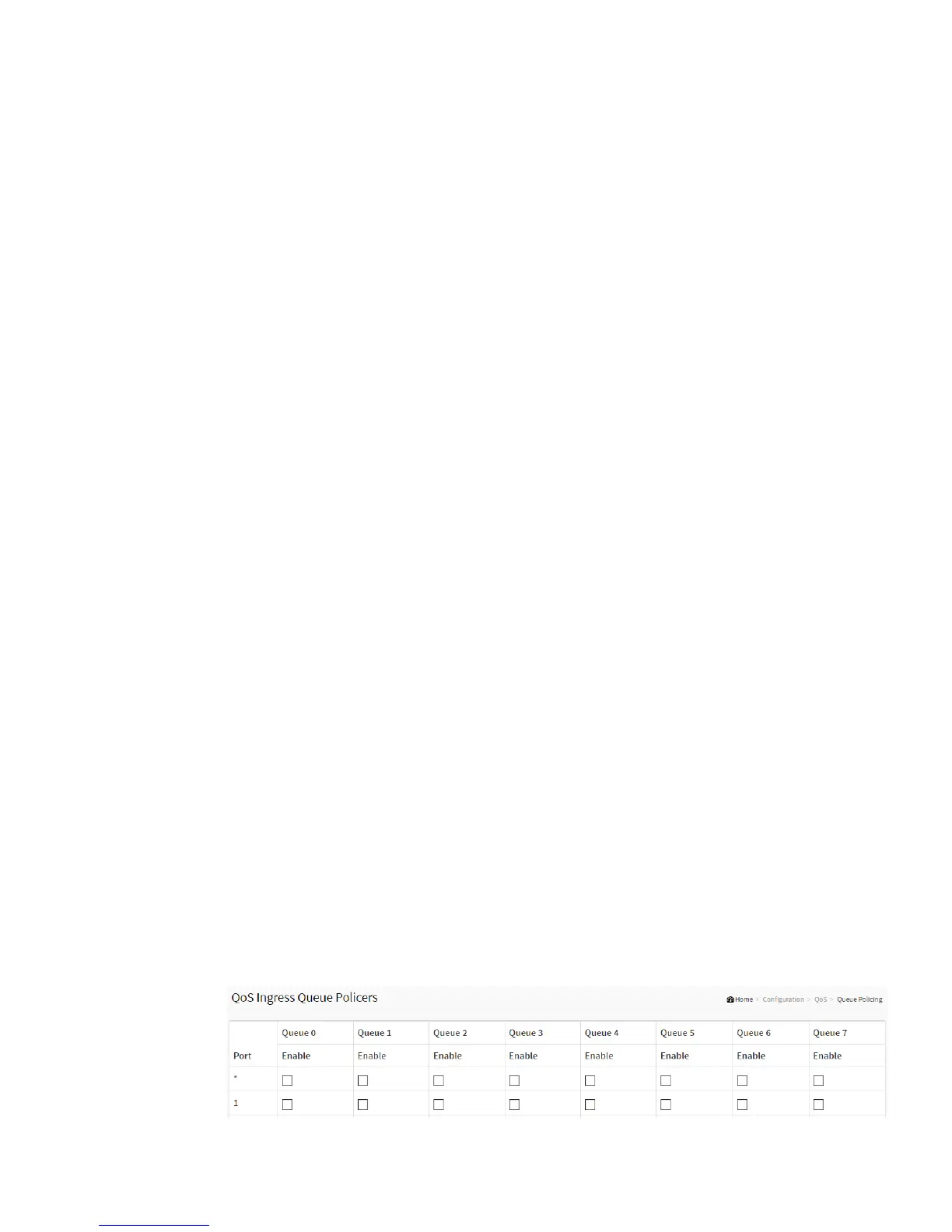
2-25.3 Queue Policing
This page allows you to configure the Queue Policer settings for all switch ports.
The displayed settings are:
Web Interface
To display the Queue Policing in the web interface:
1. Click Configuration, QoS and Queue Policing
2. Specify the Queue Policing parameter.
Figure 2-25.3: The Queue Policing



 To Next Page