304
3-2 Green Ethernet
3-2.1 Port Power Savings
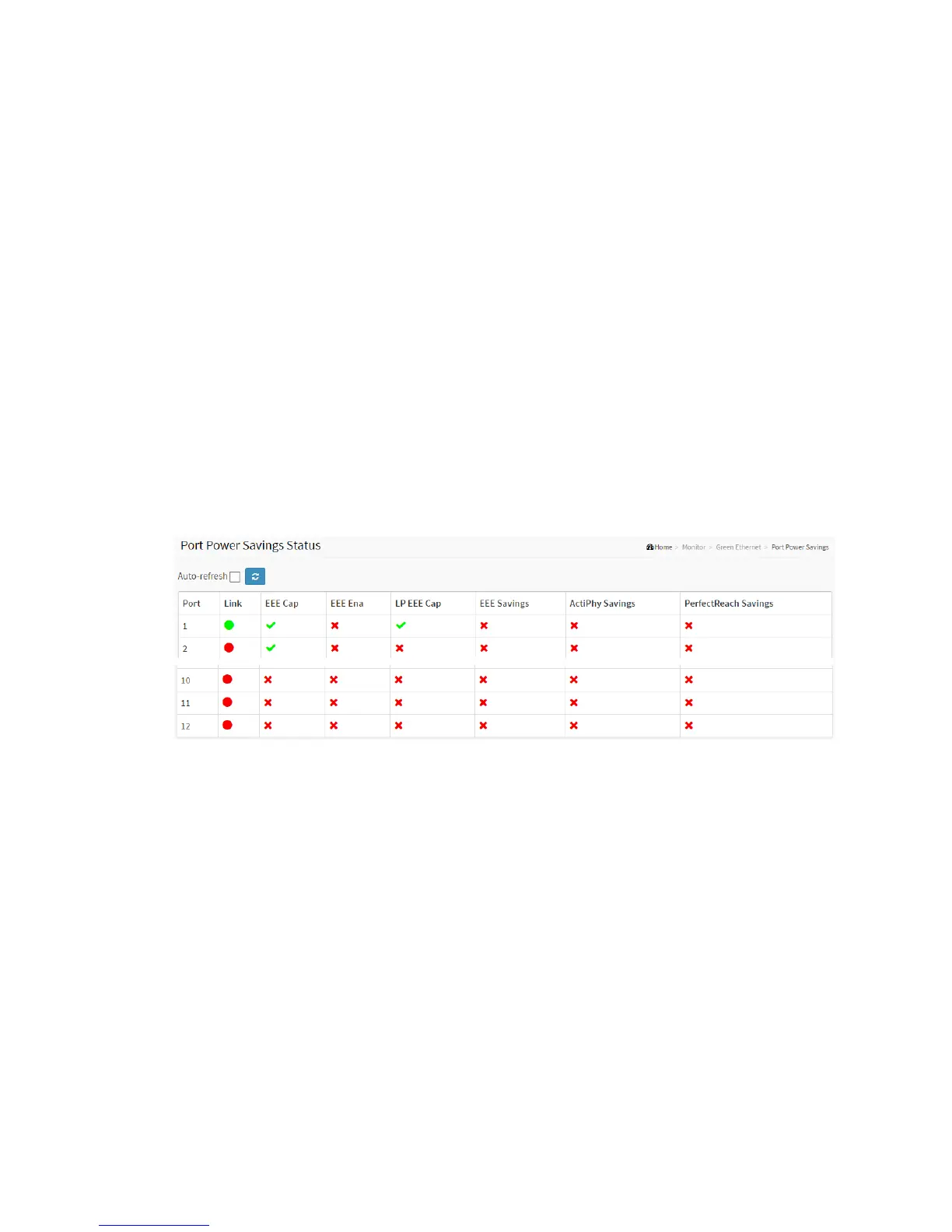
This page provides the current status for EEE.
Web Interface
To display the power Saving in the web interface:
1. Click Monitor, Port Power Savings.
Figure 3-2.1: The Ports States
Parameter description:
Local Port
This is the logical port number for this row.
Link
Shows if the link is up for the port (green = link up, red = link down).
EEE
Shows if EEE is enabled for the port (reflects the settings at the Port Power Savings
configuration page).
LP EEE cap



 To Next Page