364
3-6.3 AAA
3-6.3.1 RADIUS Overview
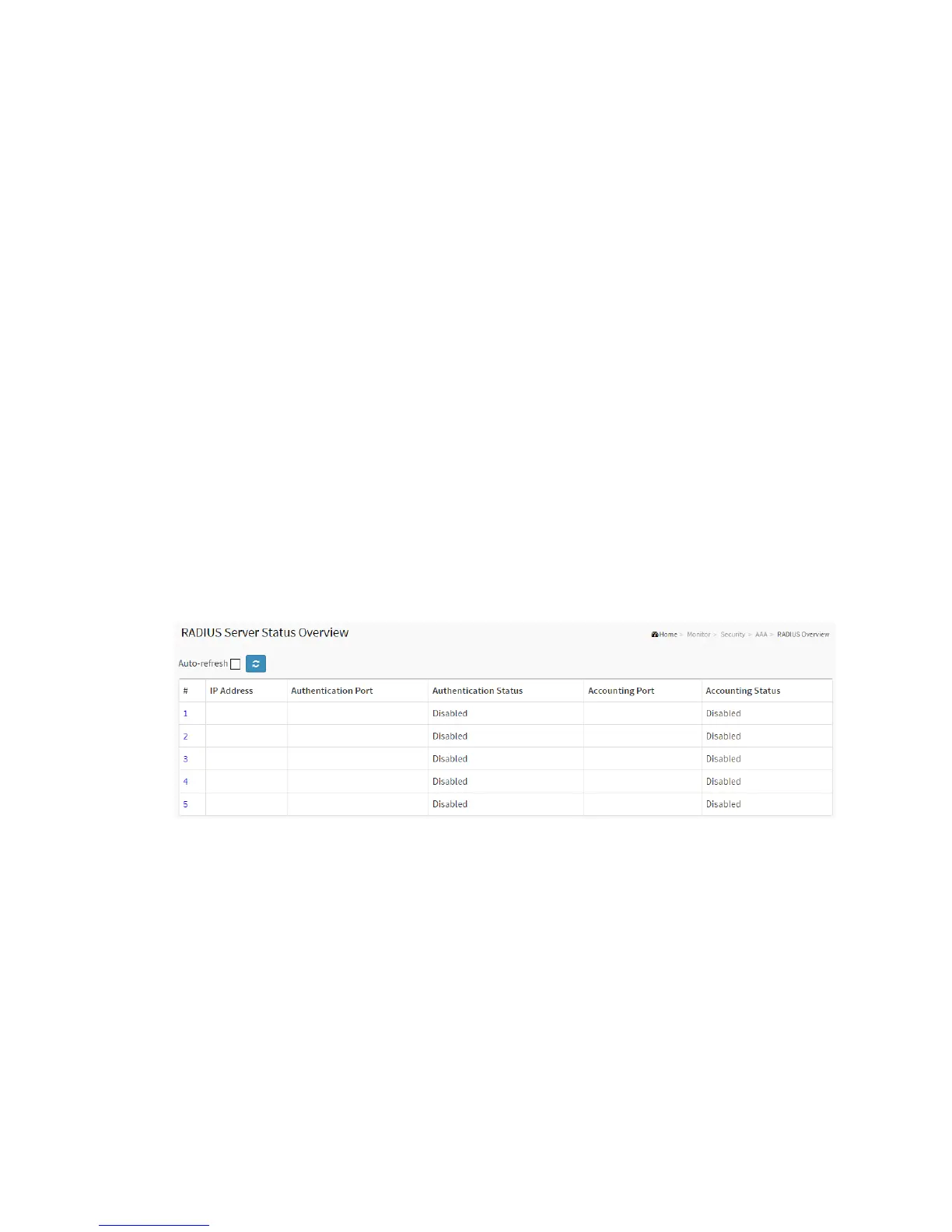
This section shows you an overview of the RADIUS Authentication and Accounting
servers’ status to ensure the function is workable.
Web Interface
To configure a RADIUS Overview Configuration in the web interface:
1. Click Security, AAA, RADIUS Overview.
2. Checked “Auto-refresh”.
3. Click “Refresh” to refresh the port detailed statistics.
Figure 3-6.3.1: The RADIUS Authentication Server Status Overview
Parameter description:
# :
The RADIUS server number. Click to navigate to detailed statistics for this server.
IP Address :
The IP address and UDP port number (in <IP Address>:<UDP Port> notation) of this
server.



 To Next Page