222
2-24 Ethernet Services
2-24.1 Ports
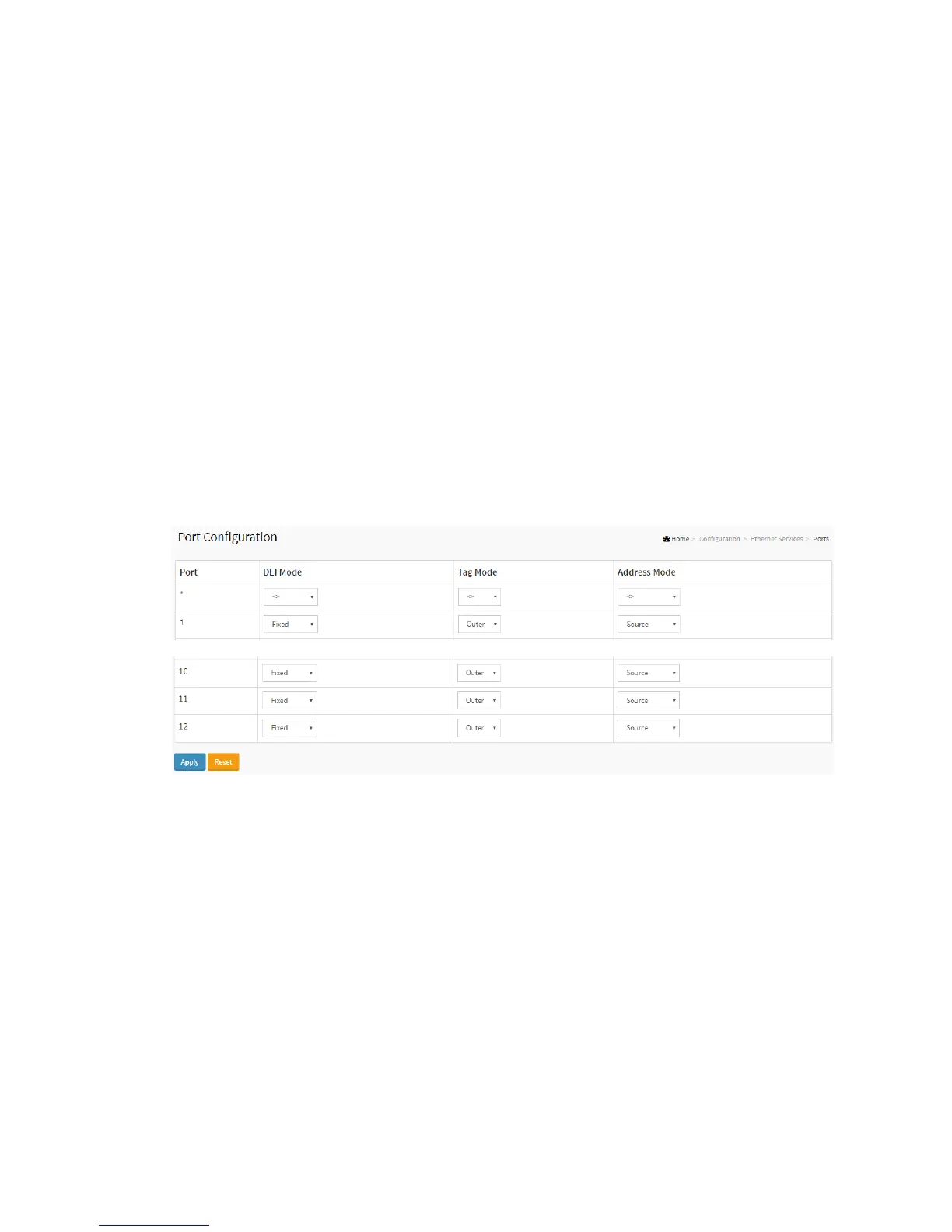
This page displays current EVC port configurations. The settings can also be
configured here.
Web Interface
To configure Port Configuration in the web interface:
1. Click configuration, Ethernet Services and ports.
2. Specify DEI Mode, Tag Mode and Address Mode.
3. Click Apply.
Figure 2-24.1: The Port Configuration
Parameter description:.
Port
The logical port for the settings contained in the same row.
DEI Mode
The DEI mode for an NNI port determines whether frames transmitted on the port will
have the DEI field in the outer tag marked based on the colour of the frame. The allowed
values are:
Coloured: The DEI is 1 for yellow frames and 0 for green frames.



 To Next Page