392
3-8 Loop Protection
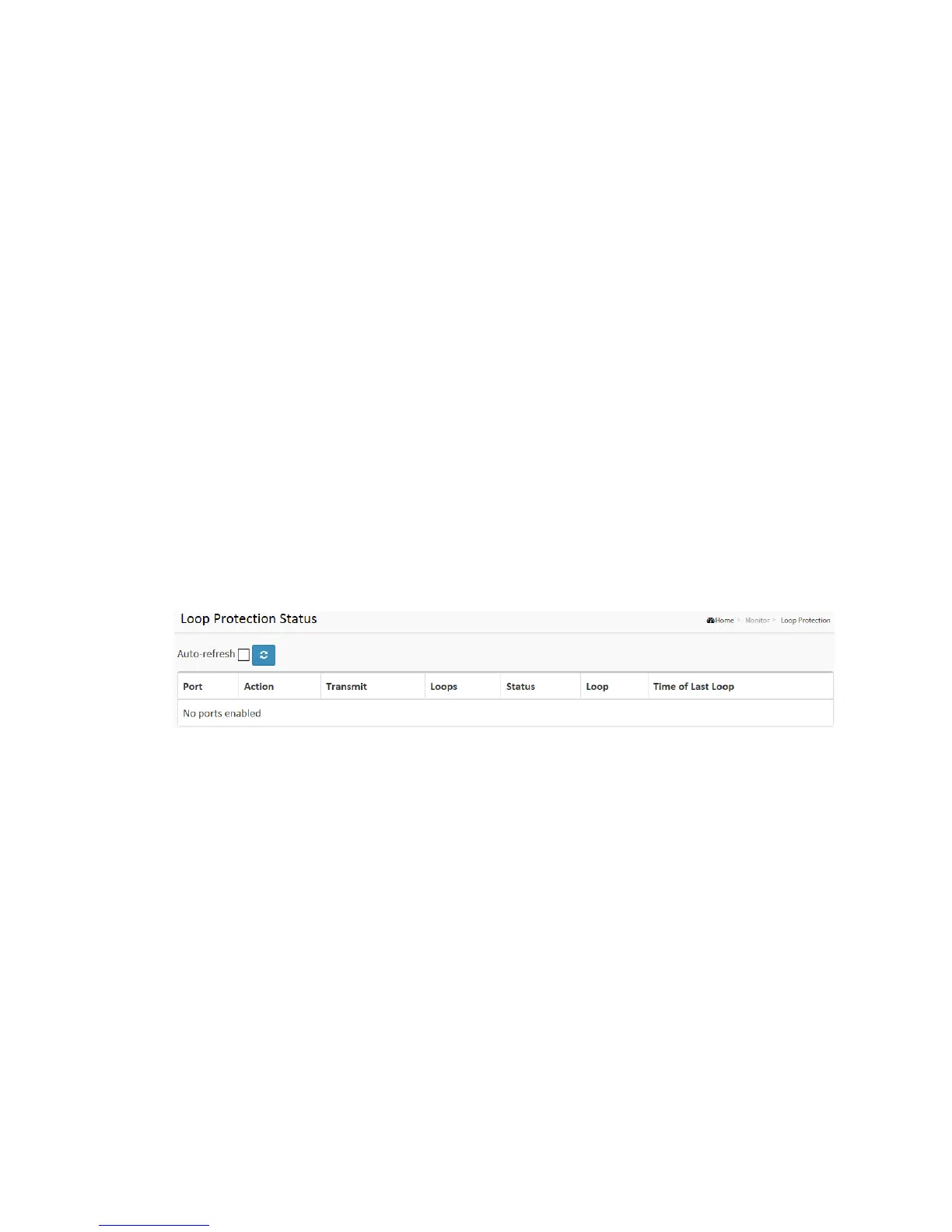
This section displays the loop protection port status the ports of the currently selected
switch.
Web Interface
To display the Loop Protection status in the web interface:
1. Click Monitor, Loop Protection
2. If you want to auto-refresh the information then you need to evoke the “Auto
refresh”.
3. Click “Refresh” to refresh the LACP Statistics.
Figure 3-8 : Loop Protection Status
Parameter description:
Port
The switch port number of the logical port.
Action
The currently configured port action.
Transmit
The currently configured port transmit mode.
Loops
The number of loops detected on this port.



 To Next Page