281
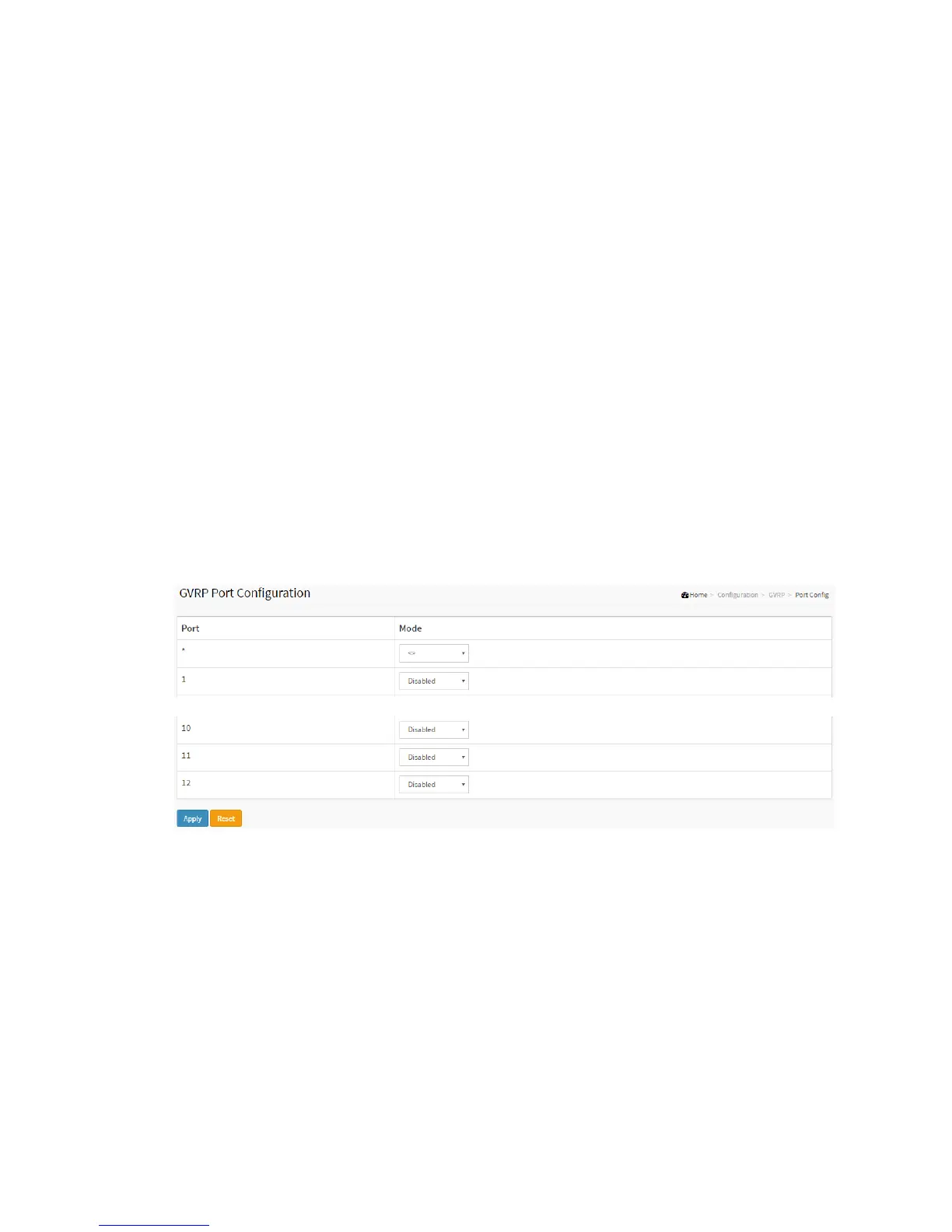
2-29.2 Port Config
This page allows you to configure the basic GVRP Configuration settings for all switch
ports. The settings relate to the currently selected unit, as reflected by the page
header.
Web Interface
To configure the sFlow Agent in the web interface:
1. Click Configuration, GVRP, Port Config
2. Specify Port, mode
3. Click Apply
Figure 2-29.2: The GVRP Configuration
Parameter description:
GVRP Mode
This configuration is to enable/disable GVRP Mode on particular port locally.
Disable: Select to Disable GVRP mode on this port.
Enable: Select to Enable GVRP mode on this port.



 To Next Page