431
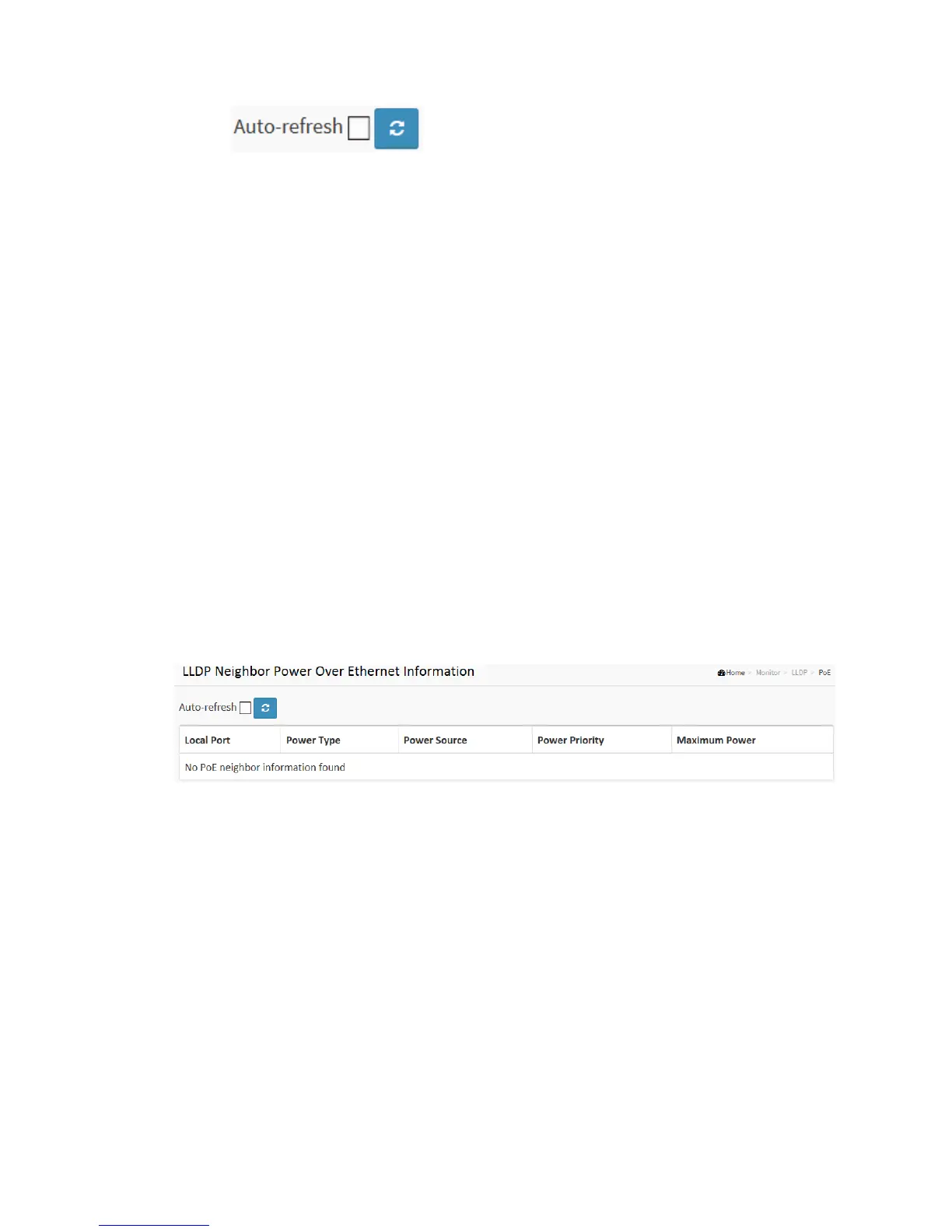
Auto-refresh: Check this box to refresh the page automatically. Automatic refresh
occurs every 3 seconds.
Refresh: Click to refresh the page.
3-12.3 PoE
This page allows the user to inspect the current status for all PoE ports. The section
show all port Power Over Ethernet Status.
Web Interface
To show LLDP EEE neighbors:
1. Click Monitor ,LLDP, PoE
2. Display Power Over Ethernet Status Information
3. Click Auto-refresh for auto-update web screen
Figure 3-12.3: The LLDP Neighbors EEE information
Parameter description:
Local Port :
The port for this switch on which the LLDP frame was received.
Power Type :
The Power Type represents whether the device is a Power Sourcing Entity (PSE) or
Power Device (PD).
If the Power Type is unknown it is represented as "Reserved".
Power Source :



 To Next Page