394
3-9 Spanning Tree
3-9.1 Bridge Status
After you complete the MSTI Port configuration then you could to ask the switch
display the Bridge Status. The Section provides a status overview of all STP bridge
instances. The displayed table contains a row for each STP bridge instance, where the
column displays the following information:
Web Interface
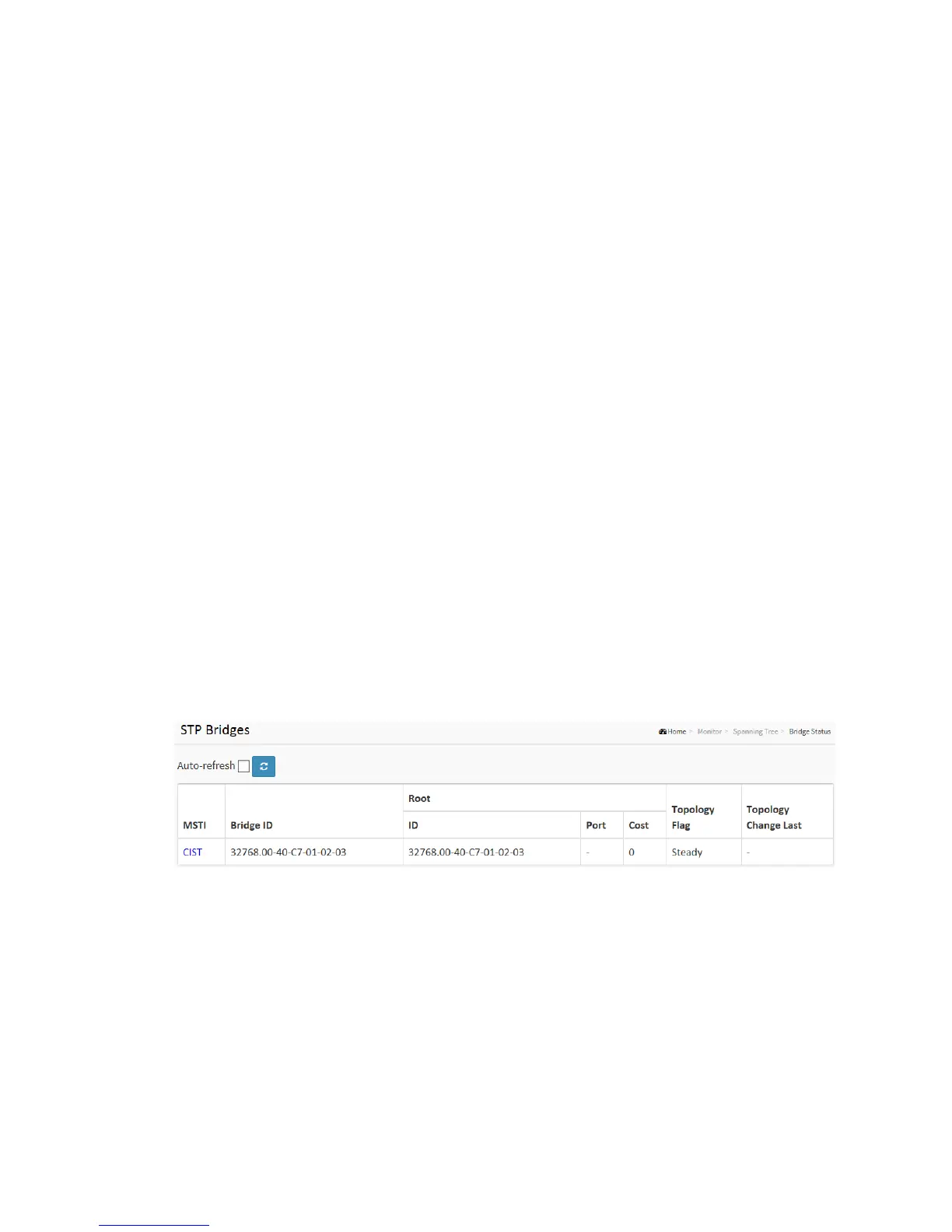
To display the STP Bridges status in the web interface:
1. Click Monitor, Spanning Tree, STP Bridges
2. If you want to auto-refresh the information then you need to evoke the
“Auto-refresh”.
3. Click “Refresh” to refresh the STP Bridges.
4. Click “CIST “to next page “STP Detailed Bridge Status”.
Figure 3-9.1: The STP Bridges status
Parameter description:
MSTI :
The Bridge Instance. This is also a link to the STP Detailed Bridge Status.
Bridge ID :
The Bridge ID of this Bridge instance.
Root ID :



 To Next Page