310
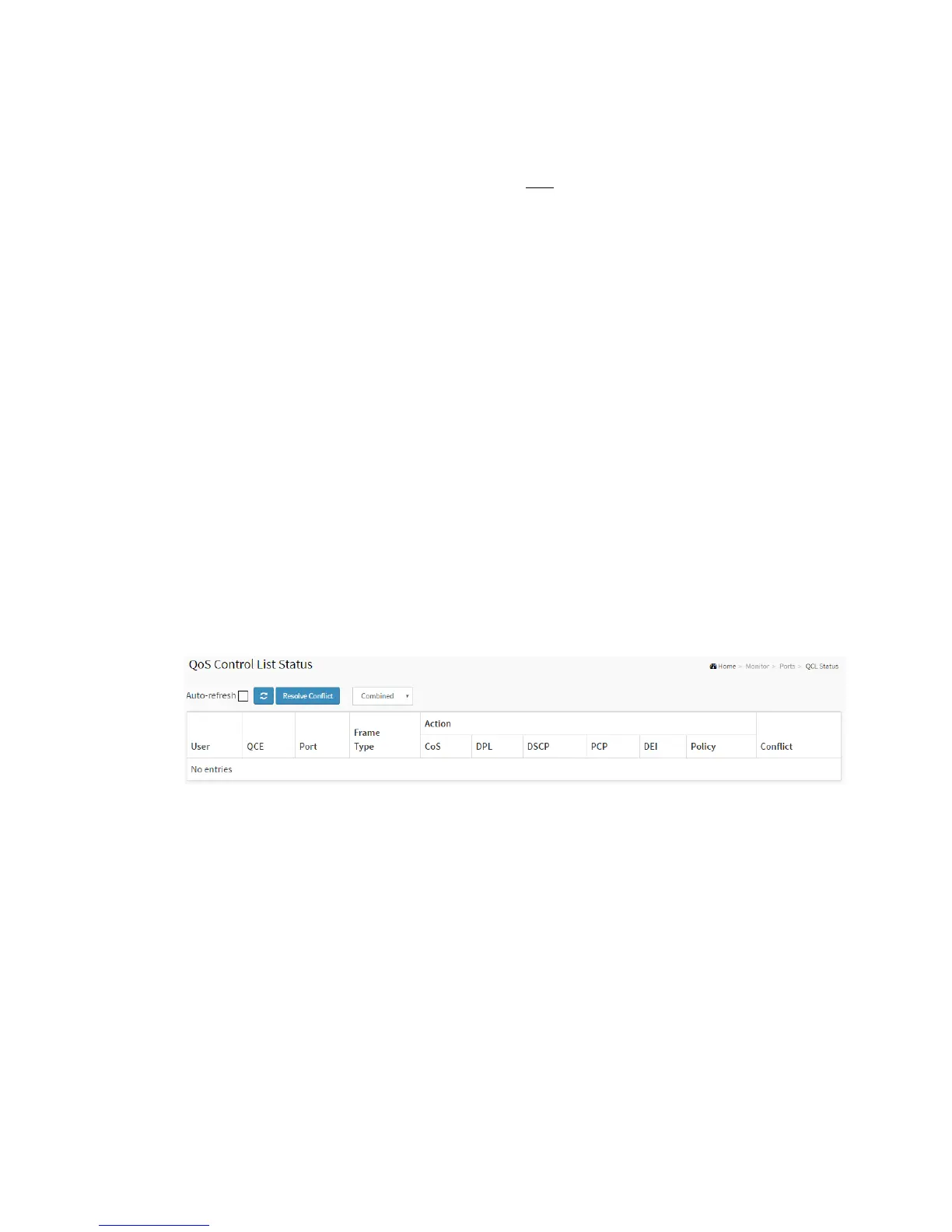
3-3.3 QCL Status
The section will let you know how to configure and shows the QCL status
by different QCL users. Each row describes the QCE that is defined. It is a conflict if a
specific QCE is not applied to the hardware due to hardware limitations. The maximum
number of QCEs is 256 on each switch.
Web Interface
To display the QoS Control List Status in the web interface:
1. Click Monitor, Ports, then QCL Status
2. If you want to auto-refresh the information then you need to evoke the
“Auto-refresh”.
3. Scroll to select the combined, static, Voice VLAN and conflict.
4. To click the “Refresh” to refresh an entry of the MVR Statistics Information.
Figure 3-3.3: The QoS Control List Status
Parameter description:
User :
Indicates the QCL user.
QCE#
Indicates the index of QCE.
Frame Type :
Indicates the type of frame to look for incoming frames. Possible frame types are:



 To Next Page