462
3-18.3 IP Subnet-based VLAN
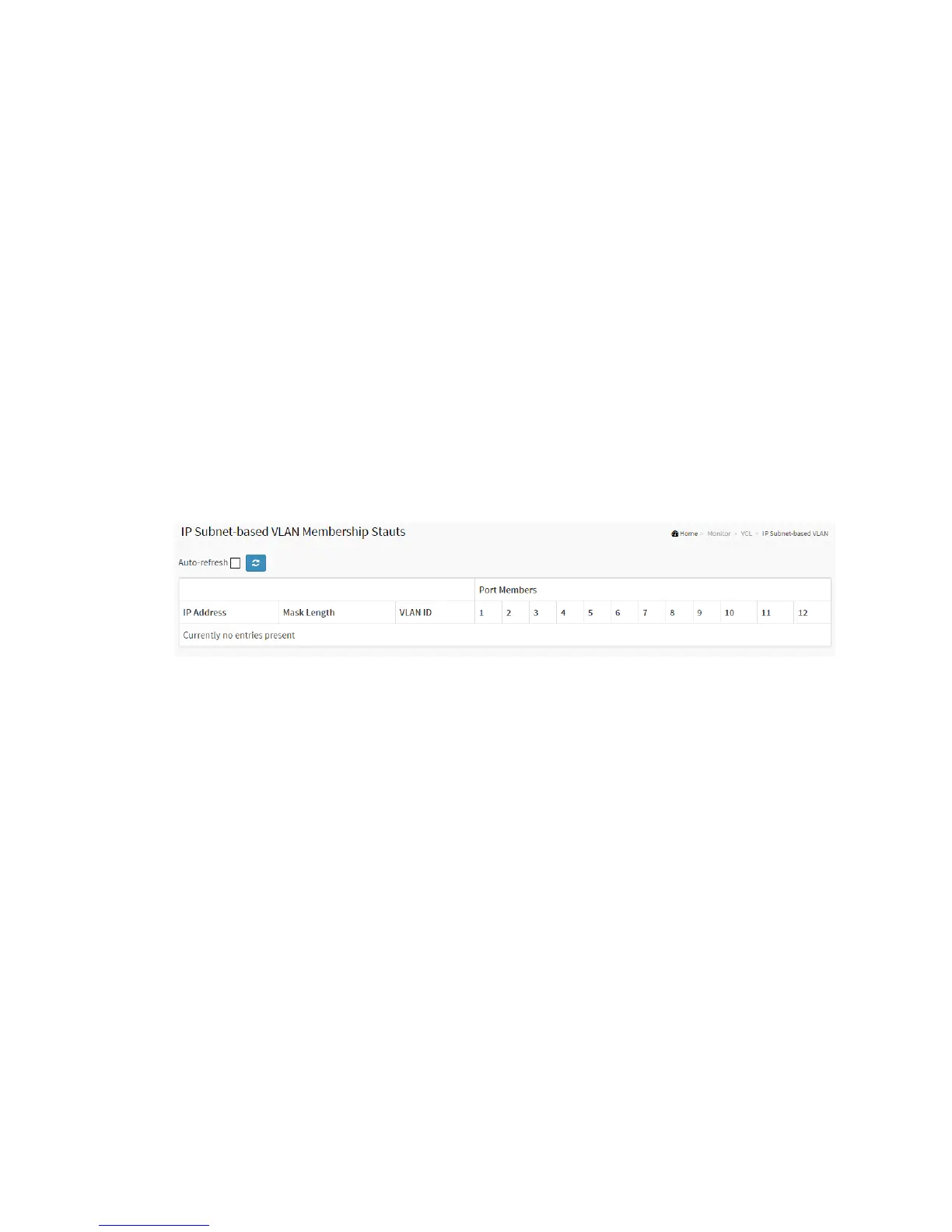
The page shows IP subnet-based VLAN entries. This page shows only static entries.
Web Interface
To Display MAC-based VLAN configuration in the web interface:
1. Click Monitor, VCL, and IP Subnet-based VLAN.
2. Checked “Auto-refresh”.
3. Click “Refresh” to refresh the port detailed statistics.
Figure 3-17.3: The MAC-based VLAN Membership Status for User Static
Parameter description:
VCE ID :
Indicates the index of the entry. It is user configurable. Its value ranges from 0-128.
If a VCE ID is 0, application will auto-generate the VCE ID for that entry. Deletion
and lookup of IP subnet-based VLAN are based on VCE ID.
IP Address :
Indicates the IP address.
Mask Length :
Indicates the network mask length.
VLAN ID :
Indicates the VLAN ID. VLAN ID can be changed for the existing entries.



 To Next Page