398
3-9.3 Port Statistics
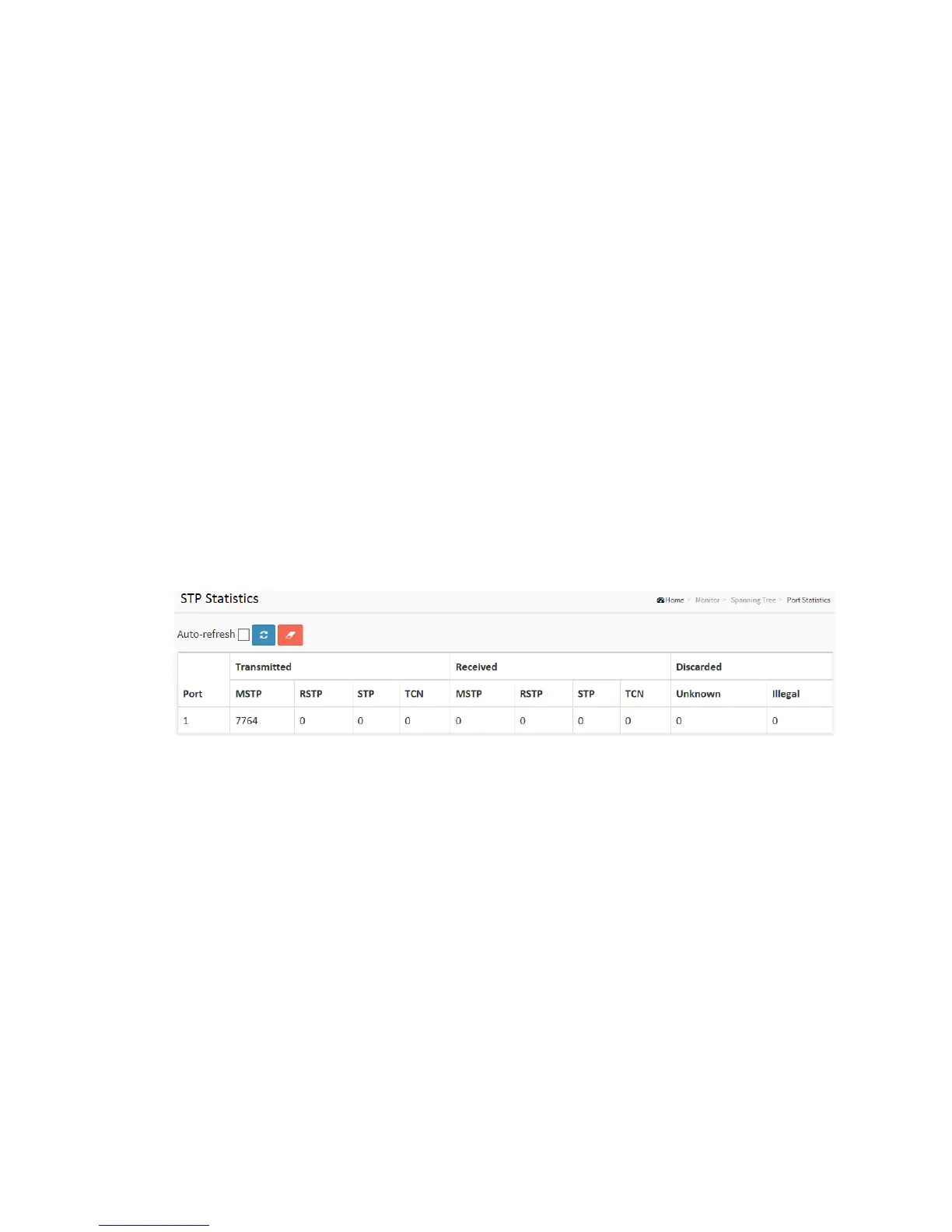
After you complete the STP configuration then you could to let the switch display the
STP Statistics. The Section provides you to ask switch to display the STP Statistics detail
counters of bridge ports in the currently selected switch.
Web Interface
To display the STP Port status in the web interface:
1. Click Monitor, Spanning Tree, Port Statistics
2. If you want to auto-refresh the information then you need to evoke the
“Auto-refresh”.
3. Click “Refresh” to refresh the STP Bridges.
Figure 3-9.3: The STP Statistics
Parameter description:
Port :
The switch port number of the logical STP port.
MSTP :
The number of MSTP Configuration BPDU's received/transmitted on the port.
RSTP :
The number of RSTP Configuration BPDU's received/transmitted on the port.
STP :
The number of legacy STP Configuration BPDU's received/transmitted on the port.



 To Next Page