21
2-3 Ports Configuration
2-3.1 Ports
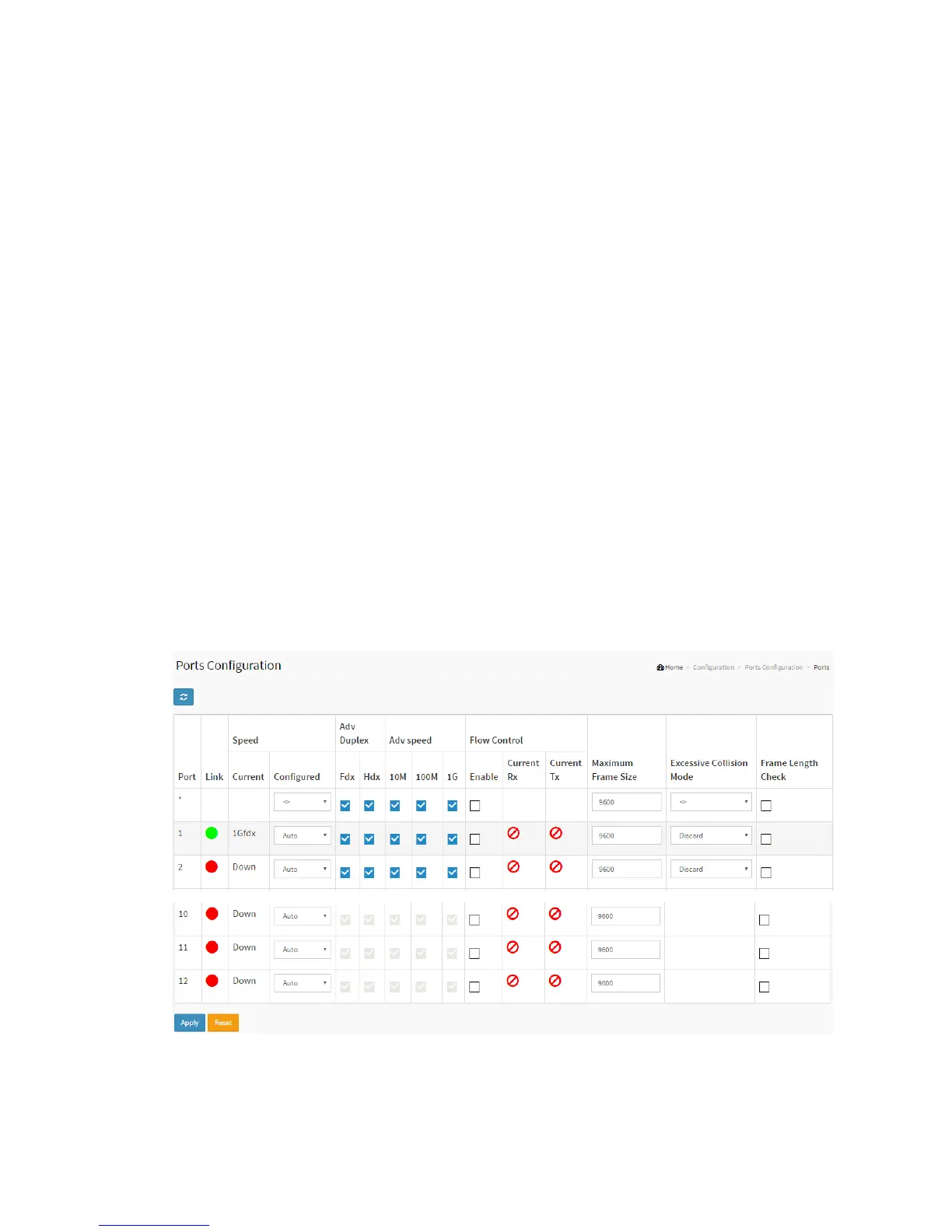
This page displays current port configurations. Ports can also be configured here.
Web Interface
To configure a Current Port Configuration in the web interface:
1. Click Configuration, Ports Configuration, and Ports
2. Specify the Speed Configured, Flow Control, Maximum Frame size, Excessive
Collision mode and Power Control.
3. Click Apply.
Figure 2-3.1: The Port Configuration
Parameter description:



 To Next Page