267
2-25.12 Storm Control
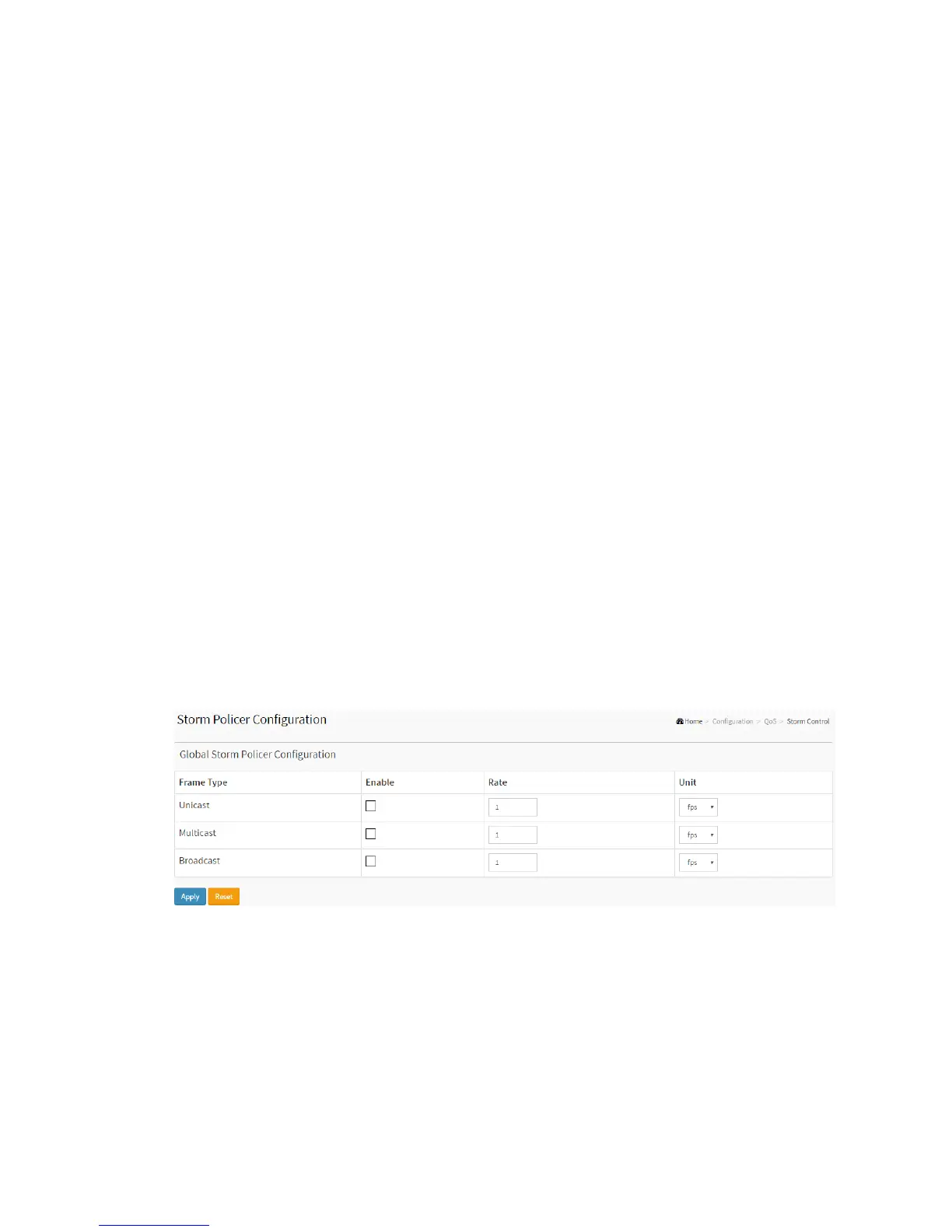
The section allows user to configure the Storm control for the switch. There is a
unicast storm rate control, multicast storm rate control, and a broadcast storm rate
control. These only affect flooded frames, i.e. frames with a (VLAN ID, DMAC) pair not
present on the MAC Address table. The configuration indicates the permitted packet
rate for unicast, multicast or broadcast traffic across the switch
Web Interface
To configure the Storm Control Configuration parameters in the web interface:
1. Click Configuration, QoS, Storm Control Configuration
2. Evoke to select the frame type to enable storm control
3. Scroll to set the Rate Parameters
4. Click the save to save the setting
5. If you want to cancel the setting then you need to click the Reset button.
It will revert to previously saved values
Figure 2-25.12: The Storm Control Configuration
Parameter description:
Frame Type :
The settings in a particular row apply to the frame type listed here: Unicast,
Multicast or Broadcast.



 To Next Page