291
3. Click Apply.
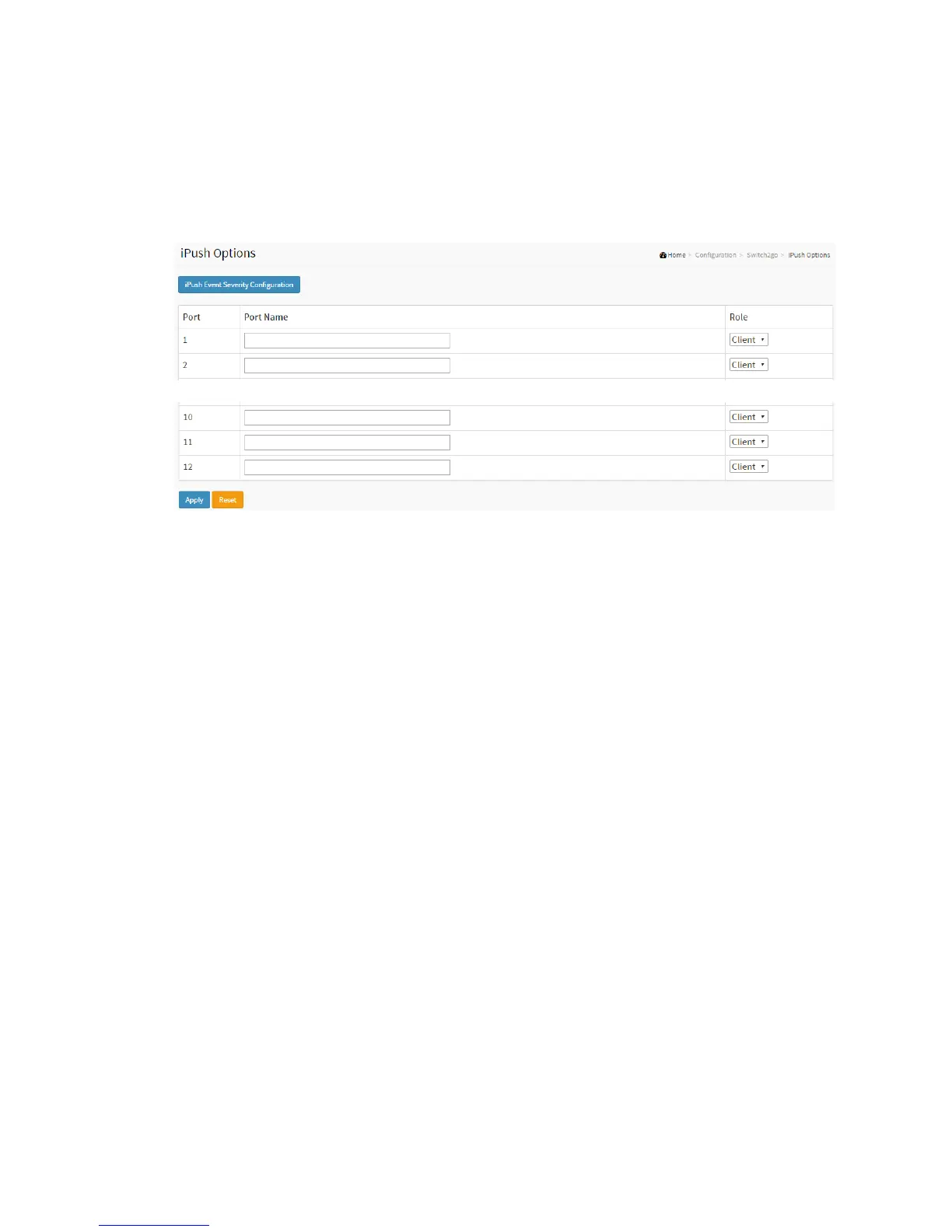
Figure 2-33.2: The iPush Options
Parameter description:
Port :
This is the logical port number for this row.
Port Name
Enter up to 47 characters to be descriptive name for identifies this port.
Role
Selects any available role for the given switch port.
Possible role are:
Server - Assign this as Server Port.
Client - Assign this as Client Port.
Buttons:
Apply- Click to apply changes.



 To Next Page