346
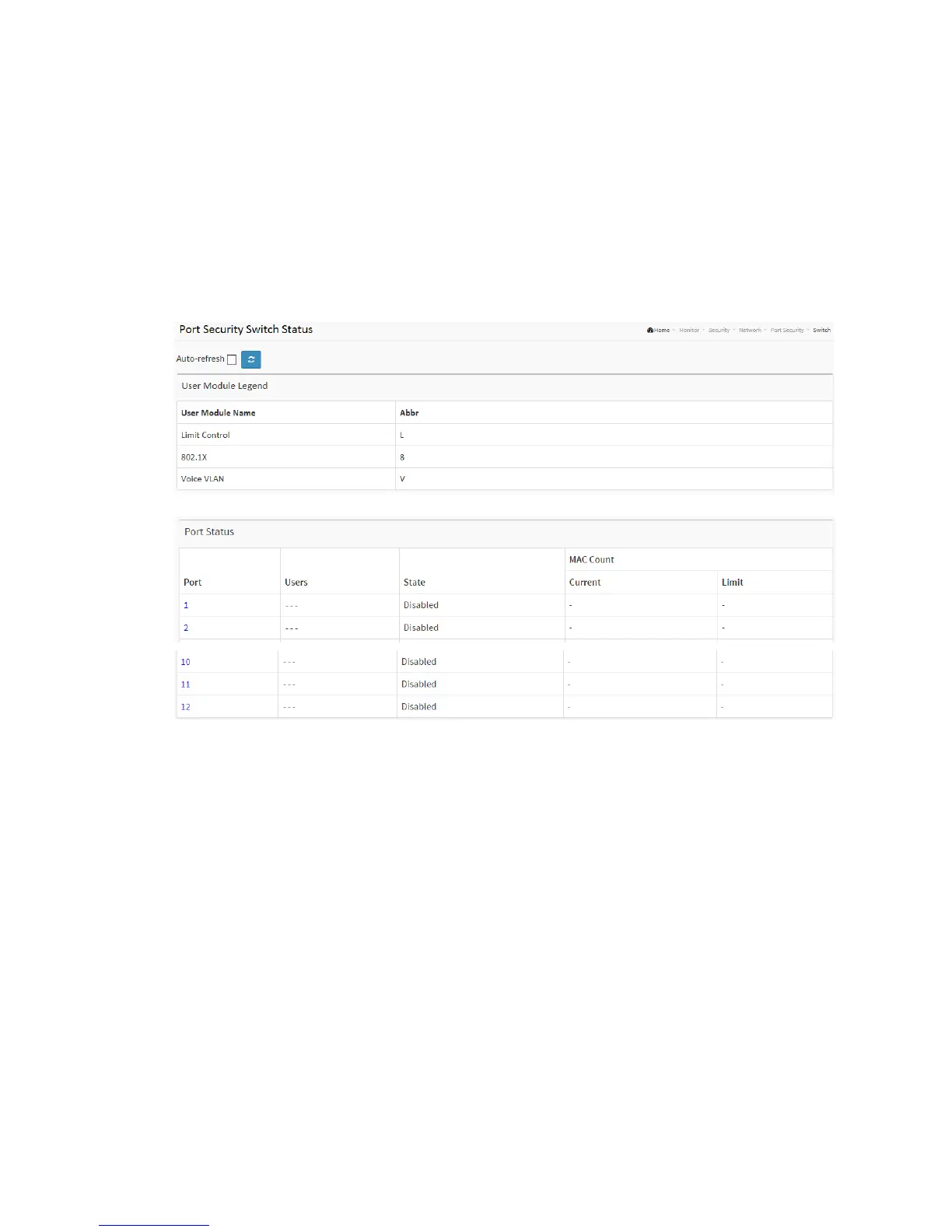
1. Click Security, Network, Port Security, then Switch
2. Checked “Auto-refresh”.
3. Click “Refresh” to refresh the port detailed statistics.
Figure 3-6.2.1.1: The Port Security Switch Status
Parameter description:
User Module Legend
The legend shows all user modules that may request Port Security services.
User Module Name
The full name of a module that may request Port Security services.
Abbr
A one-letter abbreviation of the user module. This is used in the Users column in
the port status table.
Port Status
The table has one row for each port on the switch and a number of columns, which



 To Next Page