348
3-6.2.1.2 Port
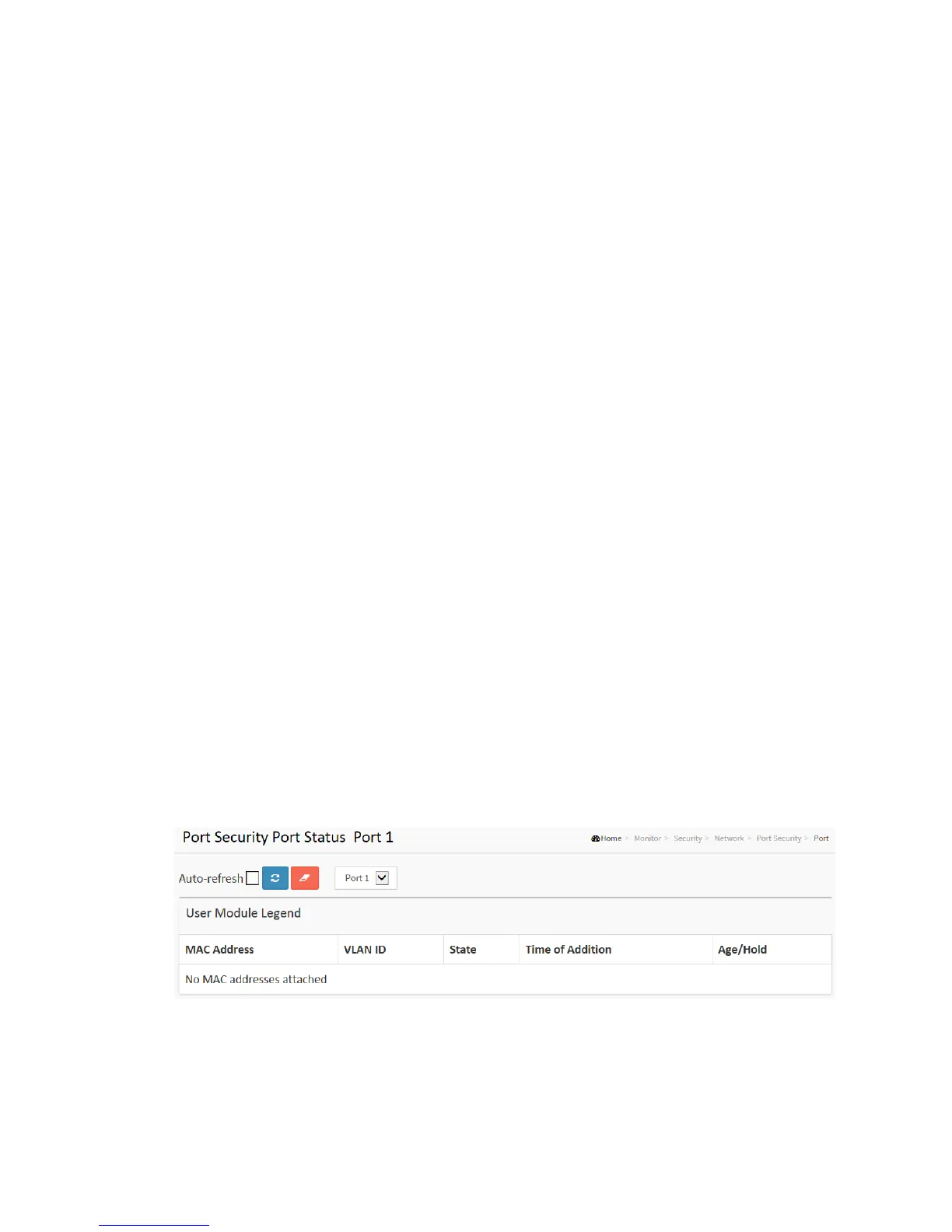
This section shows the MAC addresses secured by the Port Security module. Port
Security is a module with no direct configuration. Configuration comes indirectly from
other modules - the user modules. When a user module has enabled port security on a
port, the port is set-up for software-based learning. In this mode, frames from
unknown MAC addresses are passed on to the port security module, which in turn asks
all user modules whether to allow this new MAC address to forward or block it. For a
MAC address to be set in the forwarding state, all enabled user modules must
unanimously agree on allowing the MAC address to forward. If only one chooses to
block it, it will be blocked until that user module decides otherwise.
Web Interface
To configure a Port Security Switch Status Configuration in the web interface:
1. Click Security, Network, Port Security, and then Port.
2. Specify the Port which you want to monitor.
3. Checked “Auto-refresh”.
4. Click “Refresh” to refresh the port detailed statistics.
Figure 3-6.2.1.2: The Port Security Port Status
Parameter description:



 To Next Page