352
3-6.2.2.2 Port
The section describes to provide detailed NAS statistics for a specific switch port
running EAPOL-based IEEE 802.1X authentication. For MAC-based ports, it shows selected
backend server (RADIUS Authentication Server) statistics, only.
Web Interface
To configure a NAS Port Status Configuration in the web interface:
1. Click Security, Network, NAS, and then Port.
2. Checked “Auto-refresh”.
3. Click “Refresh” to refresh the port detailed statistics.
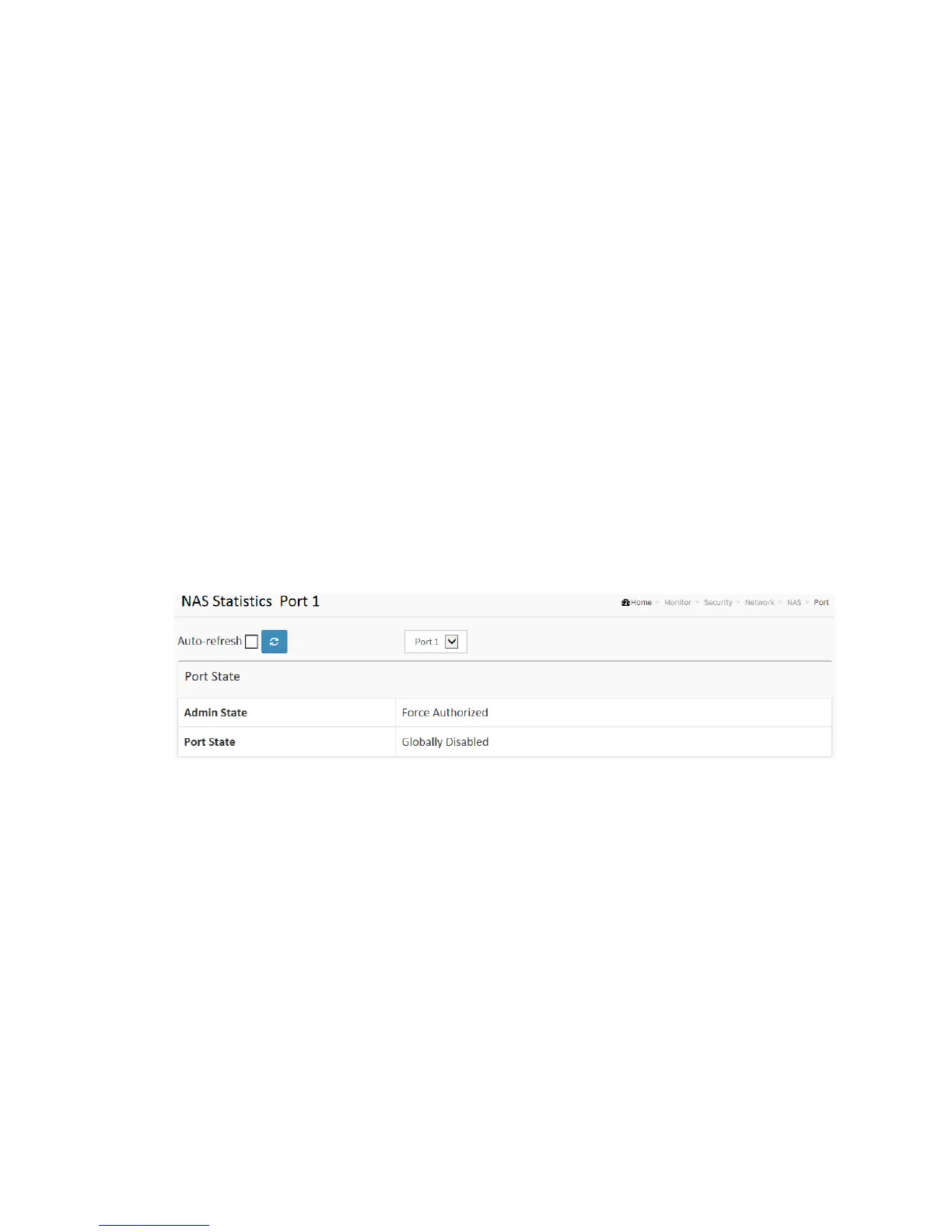
Figure 3-6.2.2.2: The NAS Statistics
Parameter description:
Port State
Admin State :
The port's current administrative state. Refer to NAS Admin State for a description
of possible values.
Port State :
The current state of the port. Refer to NAS Port State for a description of the
individual states.



 To Next Page