355
through the Port Security module.
State :
The client can either be authenticated or unauthenticated. In the authenticated
state, it is allowed to forward frames on the port, and in the unauthenticated state,
it is blocked. As long as the backend server hasn't successfully authenticated the
client, it is unauthenticated. If an authentication fails for one or the other reason, the
client will remain in the unauthenticated state for Hold Time seconds.
Last Authentication :
Shows the date and time of the last authentication of the client (successful as well
as unsuccessful).
Buttons
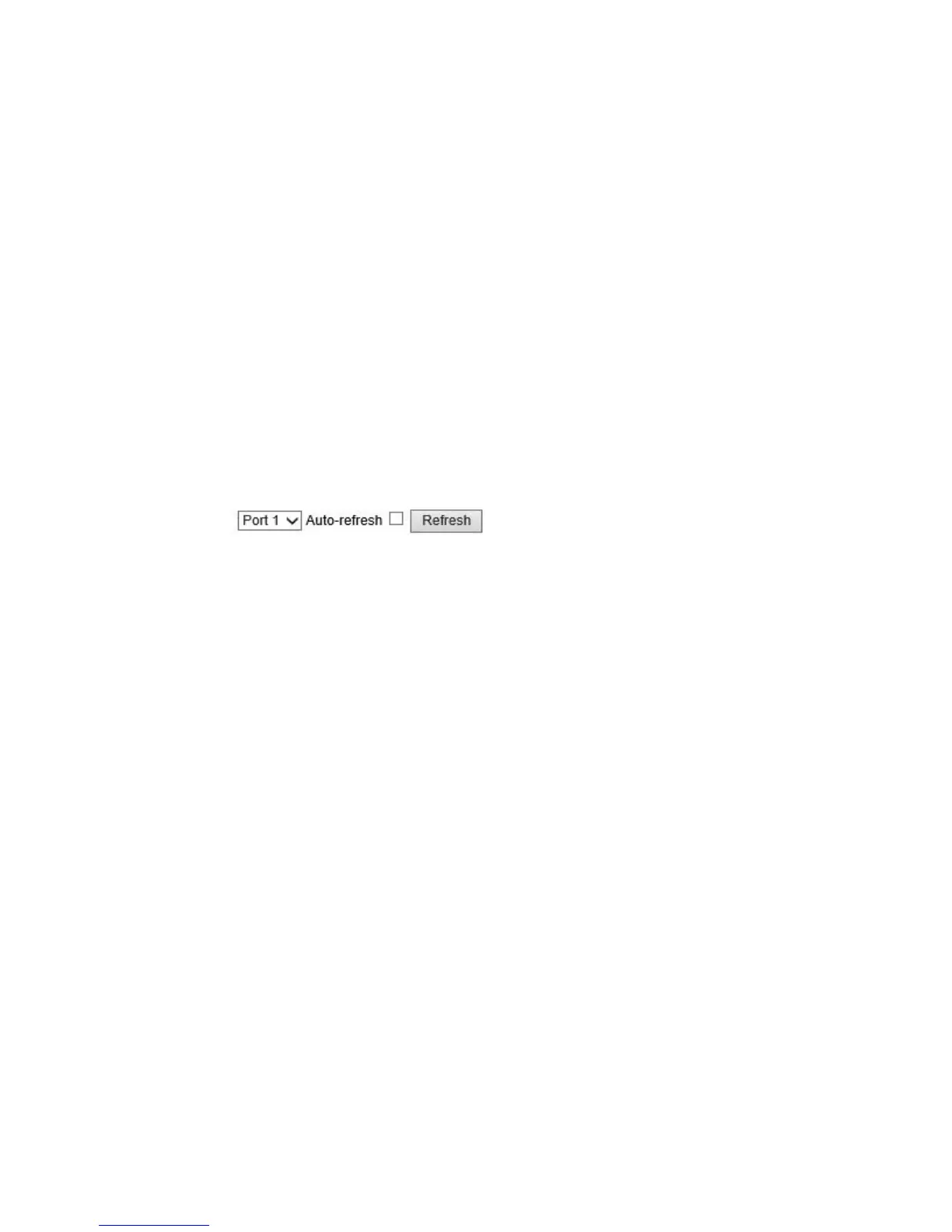
Auto-refresh: Check this box to refresh the page automatically. Automatic refresh
occurs every 3 seconds.
Refresh: Click to refresh the page.
Clear: This button is available in the following modes:
• Force Authorized
• Force Unauthorized
• Port-based 802.1X
• Single 802.1X
Clear All: Click to clear the counters for the selected port.
This button is available in the following modes:
• Multi 802.1X
• MAC-based Auth.X
Clear This: Click to clear both the port counters and all of the attached client's
counters. The "Last Client" will not be cleared, however.
This button is available in the following modes:
• Multi 802.1X
• MAC-based Auth.X



 To Next Page