362
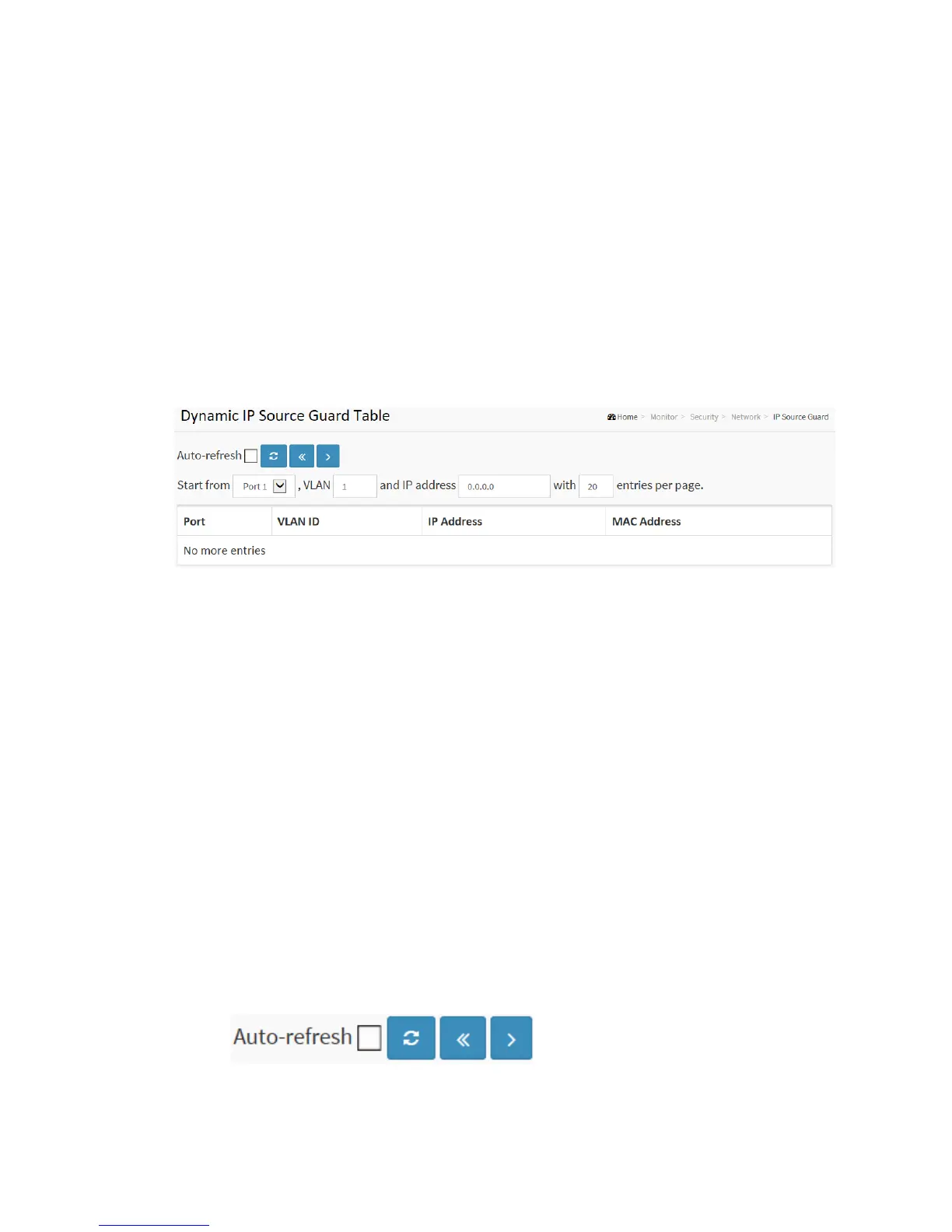
To configure a Dynamic IP Source Guard Table Configuration in the web interface:
1. Click Security, Network, IP Source Guard.
2. Checked “Auto-refresh”.
3. Click “Refresh” to refresh the port detailed statistics.
4. Specify the Start from port, VLAN ID, IP Address, and entries per page.
Figure 3-6.2.5: The Dynamic IP Source Table
Parameter description:
Port :
Switch Port Number for which the entries are displayed.
VLAN ID :
VLAN-ID in which the IP traffic is permitted.
IP Address :
User IP address of the entry.
MAC Address :
Source MAC address.
Buttons
Auto-refresh: Check this box to refresh the page automatically. Automatic refresh



 To Next Page