31
DHCP Snooping is used to block intruder on the untrusted ports of the
switch device when it tries to intervene by injecting a bogus DHCP reply
packet to a legitimate conversation between the DHCP client and server.
The section describes to configure the DHCP Snooping parameters of
the switch. The DHCP Snooping can prevent attackers from adding their
own DHCP servers to the network.
Web Interface
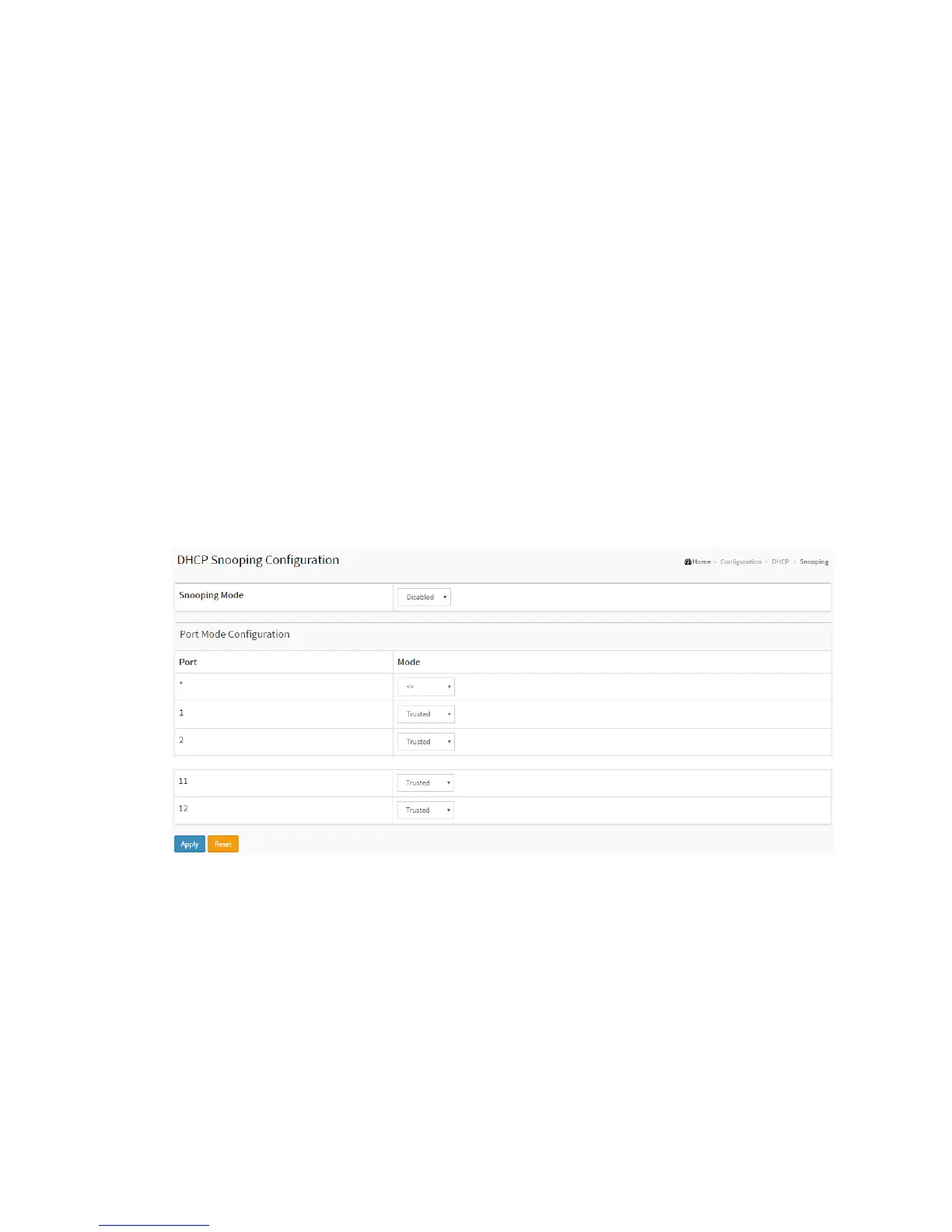
To configure DHCP snooping in the web interface:
1. Click Configuration, DHCP, Snooping
2. Select “Enabled” in the Mode of DHCP Snooping Configuration.
3. Select “Trusted” of the specific port in the Mode of Port Mode Configuration.
4. Click Apply.
Figure 2-4.2: The DHCP Snooping Configuration
Parameter description:
Snooping Mode :
Indicates the DHCP snooping mode operation. Possible modes are:
Enabled: Enable DHCP snooping mode operation. When DHCP snooping mode
operation is enabled, the DHCP request messages will be forwarded to trusted
ports and only allow reply packets from trusted ports.



 To Next Page