61
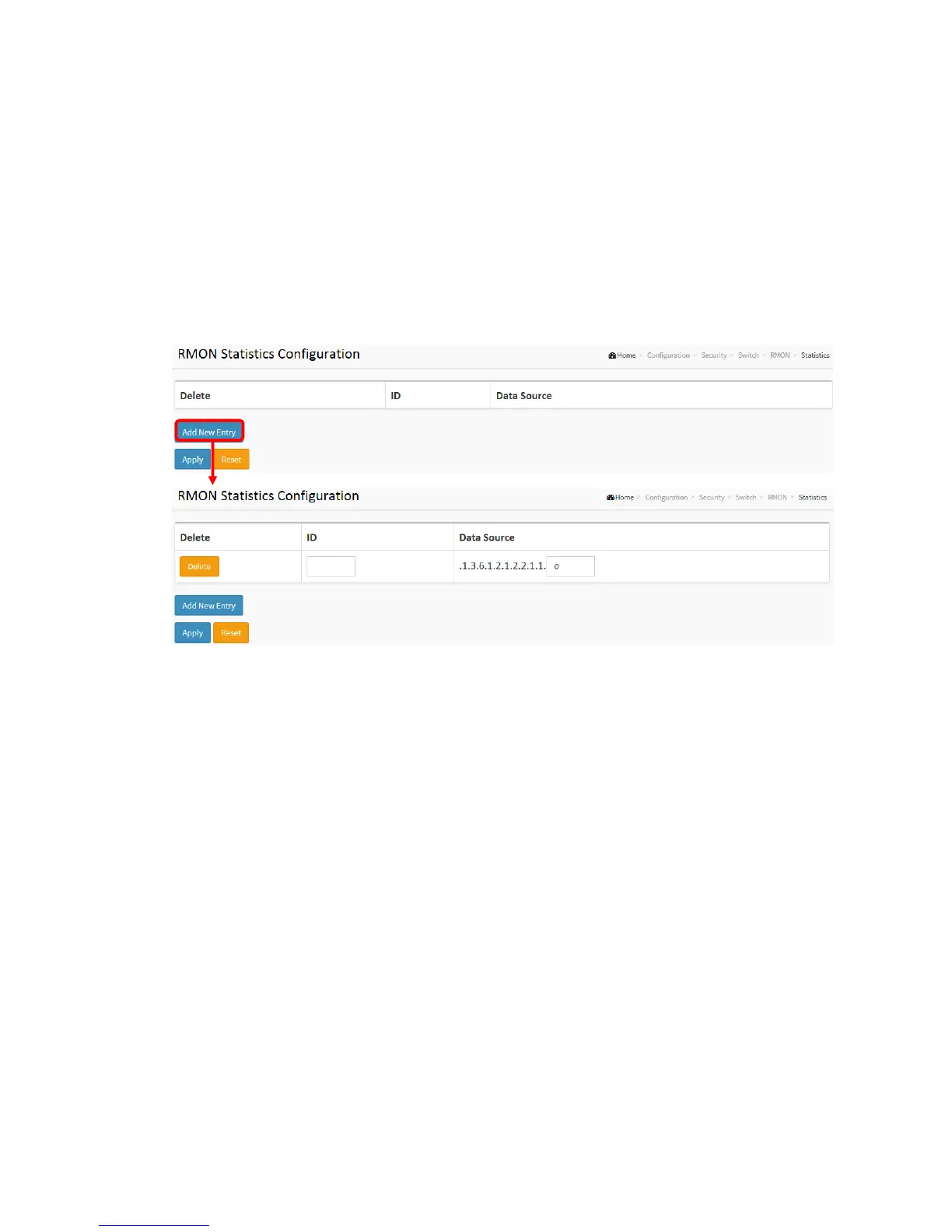
1. Click RMON, Statistics.
2. Click Add New Entry.
3. Specify the ID parameters.
4. Click Apply.
Figure 2-5.1.8.1: The RMON Statics Configuration
Parameter description:
These parameters are displayed on the RMON Statistics Configuration page:
Delete
Check to delete the entry. It will be deleted during the next save.
ID
Indicates the index of the entry. The range is from 1 to 65535.
Data Source
Indicates the port ID which wants to be monitored. If in stacking switch, the value must
add 1000*(switch ID-1), for example, if the port is switch 3 port 5, the value is 2005
Interval



 To Next Page