5-2
AUDIO
Audio Menu
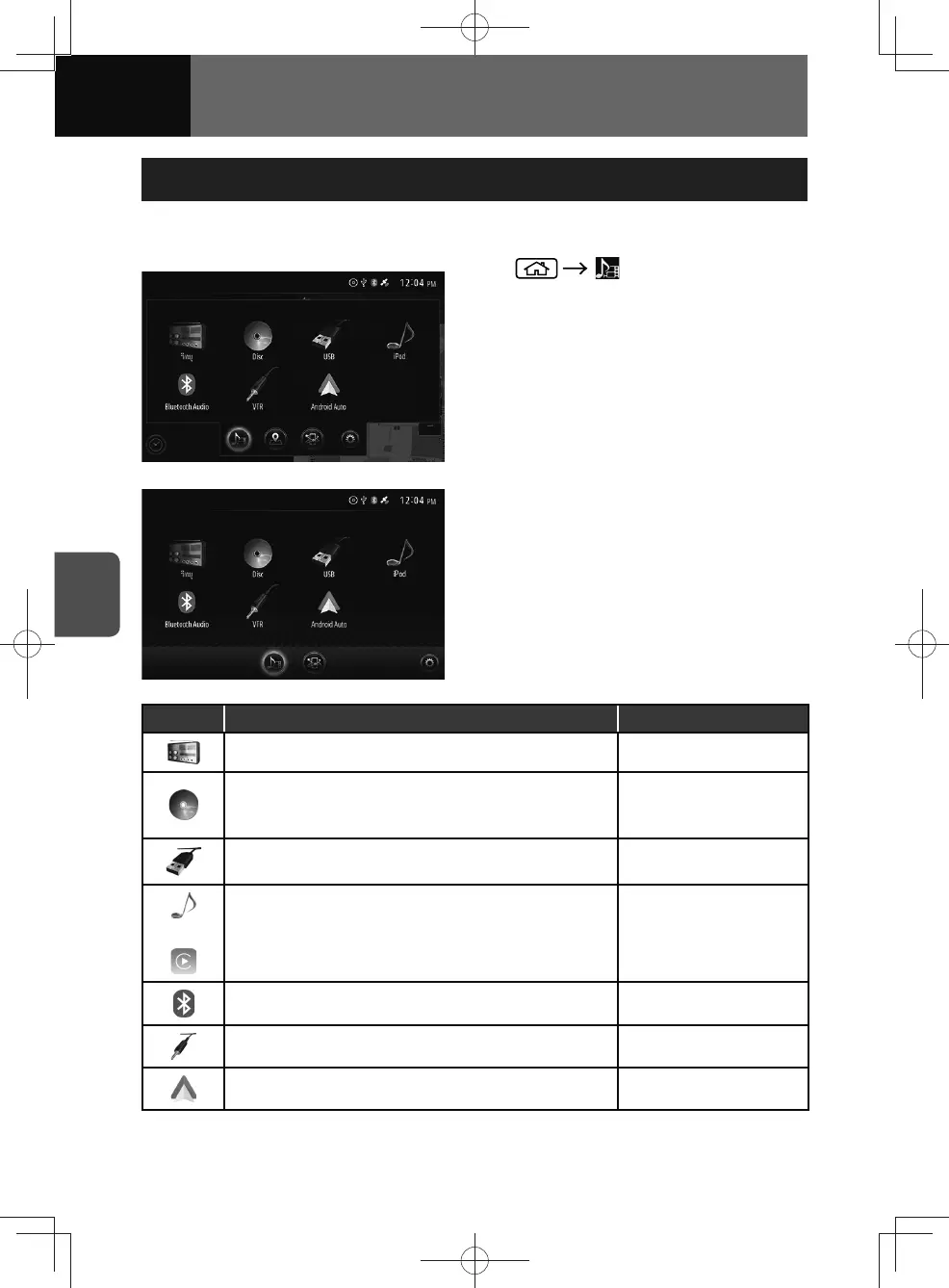
The following mode can be selected from the audio menu.
<Models with NAVI>
<Models without NAVI>
1.
2. Touch your desired mode.
Icon Function Page
Display the Radio screen. 5-3
Displays the Disc (CD, MP3/AAC/WMA disc, DVD or
Video CD)*
Disc: 5-6
DVD: 5-18
Video-CD: 5-33
Displays the USB music or video screen.
Music file: 5-11
Video file: 5-14
or
Displays the iPod or Apple CarPlay screen.
• You cannot use an iPod and Apple CarPlay
simultaneously.
iPod: 5-38
Apple CarPlay: 7-6
Display the Bluetooth audio screen. 5-43
Display the VTR/AUX (Auxiliary) screen. 5-47
Display the Android Auto screen. 7-10
* If equipped











 To Next Page