5-28
AUDIO
DVD player settings
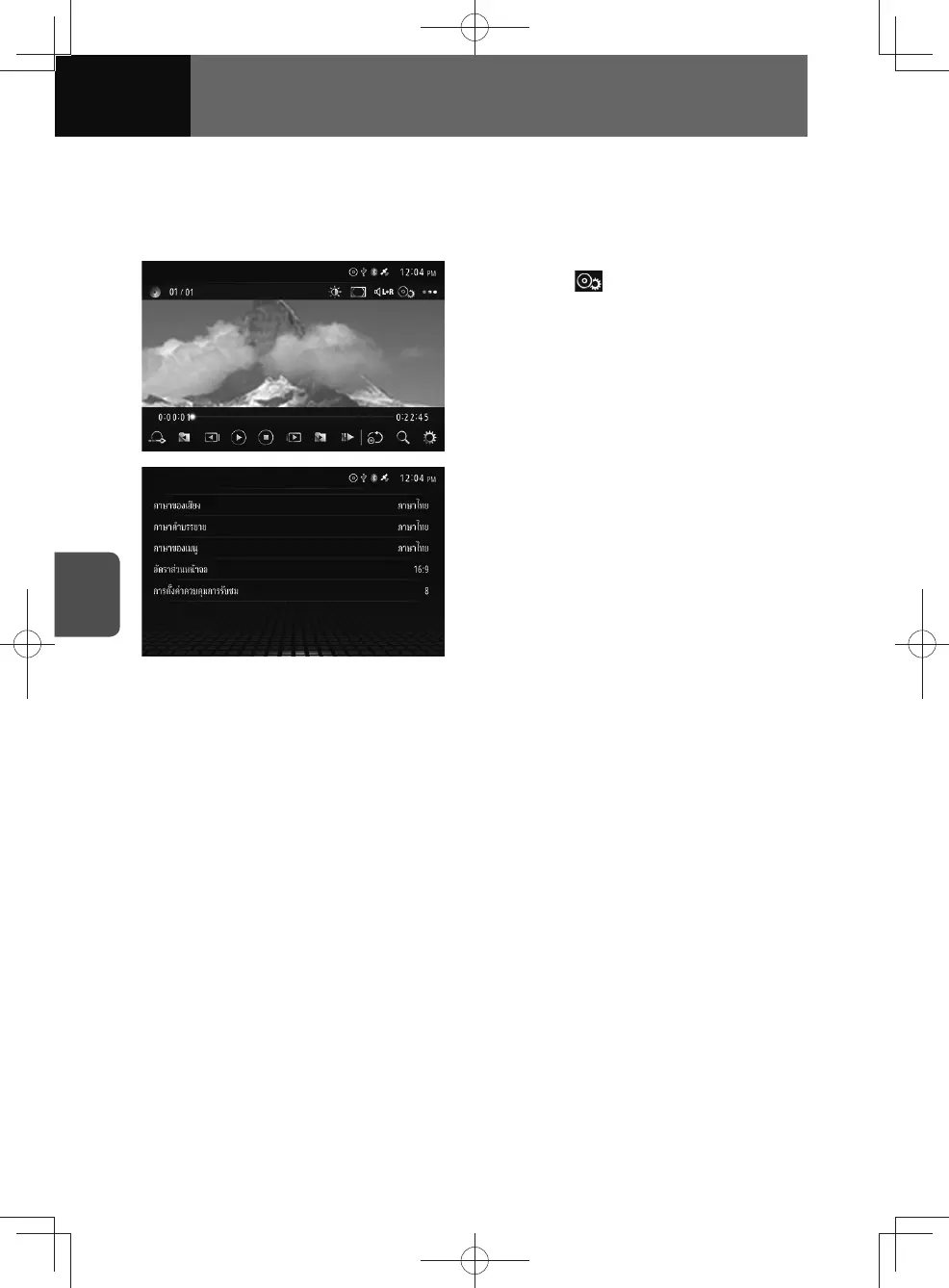
You can set up the audio playback mode, the subtitle language and the screen display
size in advance. You can also set the multi-angle mark to display/do not display, and
set the parental screening level.
1. Touch .
2. Touch the button to configure the
following settings:
• Audio Language:
Change the audio language.
(See page 5-29)
• Subtitle Language:
Change the subtitle language.
(See page 5-29)
• Menu Language:
Change the menu language.
(See page 5-30)
• TV Aspect:
Set the screen display size.
(See page 5-30)
• Parental Setting:
Restrict playable videos.
(See page 5-31)











 To Next Page