7-7
APPS
Using the Apple CarPlay function
This function can be used with iPhones that support Apple CarPlay.
Remove any iPods, iPhones, Android smartphone or USB devices connected to this
device before connecting via Apple CarPlay. Settings cannot be changed while devices
are connected.
When connecting an iPhone via USB
When connecting via USB for the first time, a message appears on the screen when
you connect your iPhone to the unit via USB. Please touch "Yes".
1. Open the protective cover on the
USB/AUX terminal.
2. Connect your iPhone to the USB
terminal.
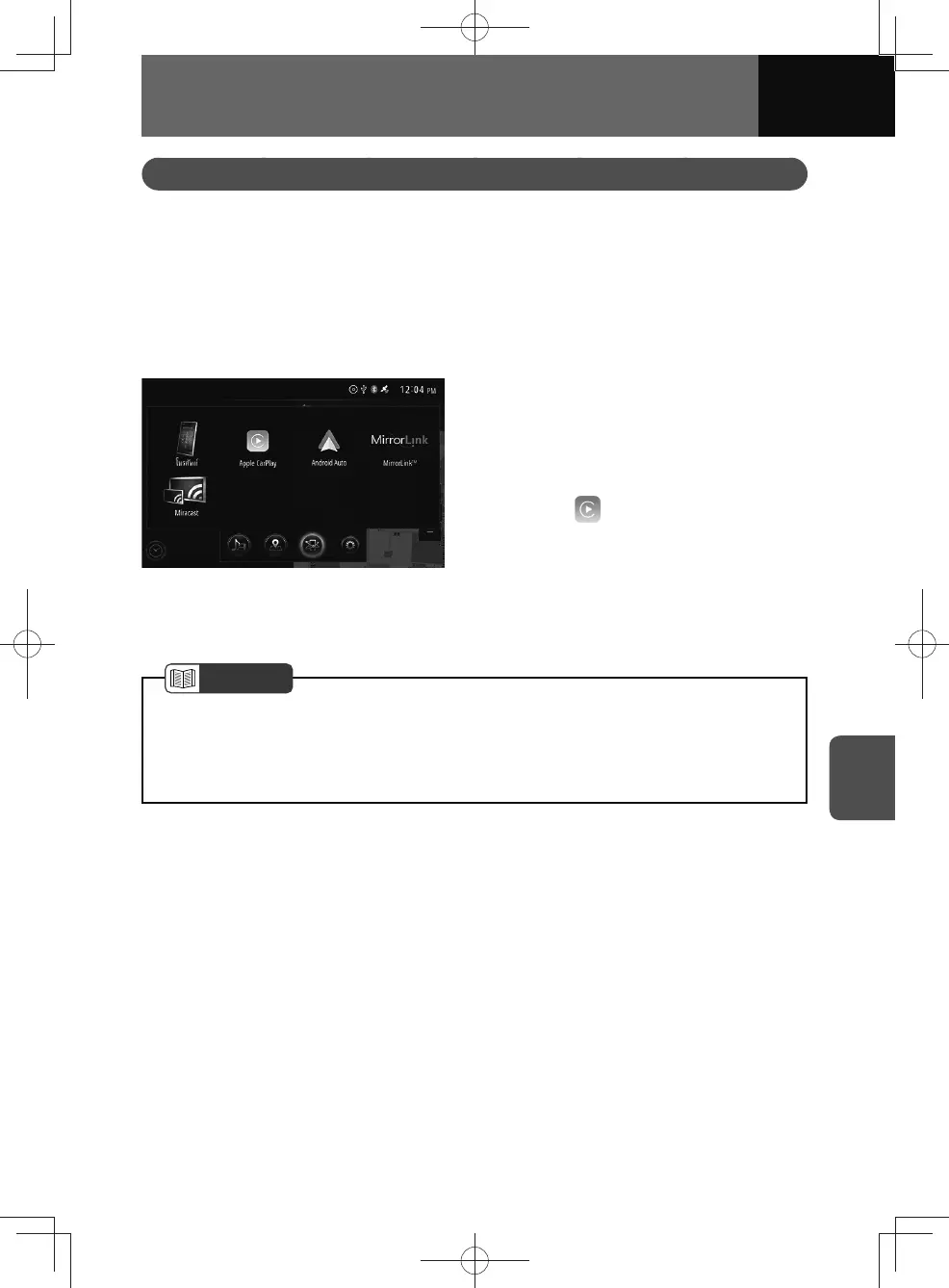
3. Touch on either the audio
menu or connected menu
screens.
4. The Apple CarPlay screen
appears.
NOTE
• If you connect your iPhone via USB while it is connected via Bluetooth, the
Bluetooth will disconnect.
• The Apple CarPlay may be displayed instead of the connected menu when an
iPhone is connected.











 To Next Page