4-9
NAVIGATION (Models with NAVI)
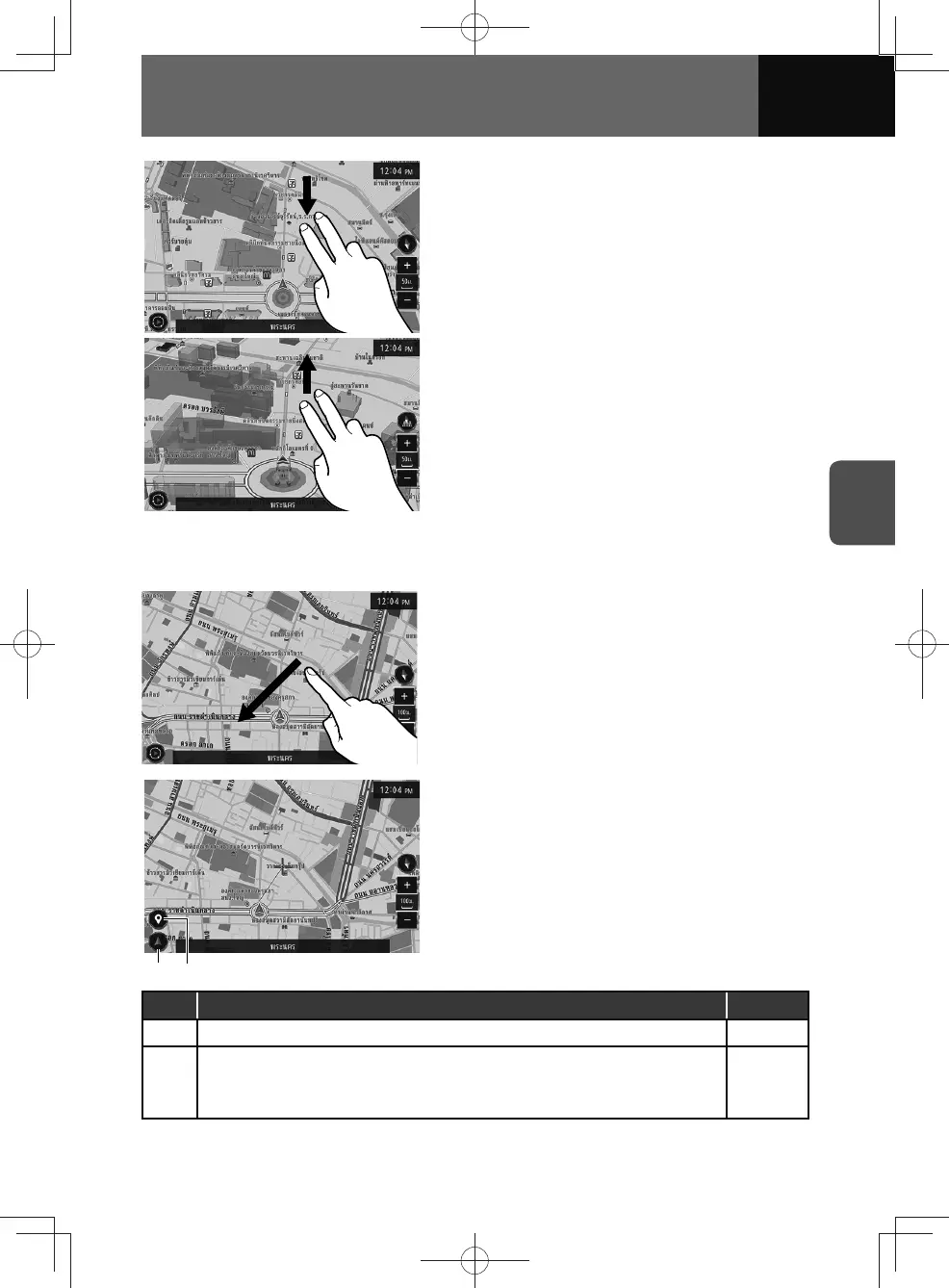
• Touching and dragging downward with two
fingers. (2D view)
• Touching and dragging upwards with two
fingers. (3D view)
Scrolling the map
You can touch and drag the screen to scroll the map to the desired direction.
(2)(1)
• The cursor appears at the selected point
together with additional information and
options.
No. Function Page
(1) Returns to the current position of the vehicle. —
(2)
Displays the location confirmation screen.
• Touch and hold the selected point on the map, the location confirmation
screen appears.
4-23











 To Next Page