5-33
AUDIO
VIDEO CD Player (If Equipped)
Using the Video CD Player
WARNING
• For your safety, you cannot watch videos while the vehicle is in motion.
• To watch a Video CD, stop your vehicle and park in a safe location.
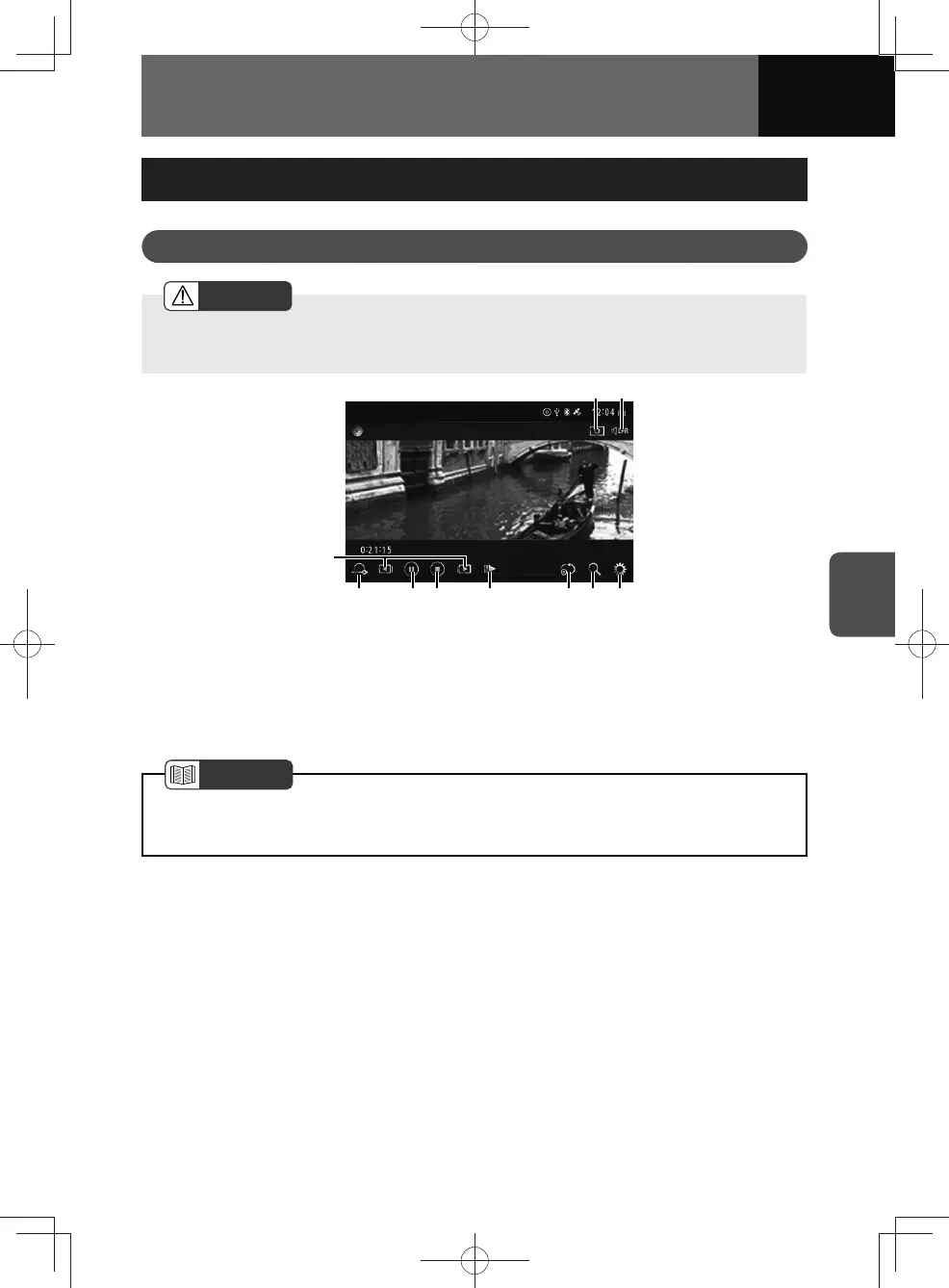
(8)(4) (5) (7)(3) (6)(2)
(1)
(10) (9)
(1) Track up/down and fast forward/fast
reverse buttons
(2) Return button
(3) Play/Pause button
(4) Stop button
(5) Speed control button
(6) Repeat button
(7) Search button
(8) Audio settings button
(9) L+R switch button
(10) Wide Mode button
NOTE
• Operation and screens may differ due to Video CD settings.
• This unit does not support Super Video CDs.











 To Next Page