6-11
HANDSFREE
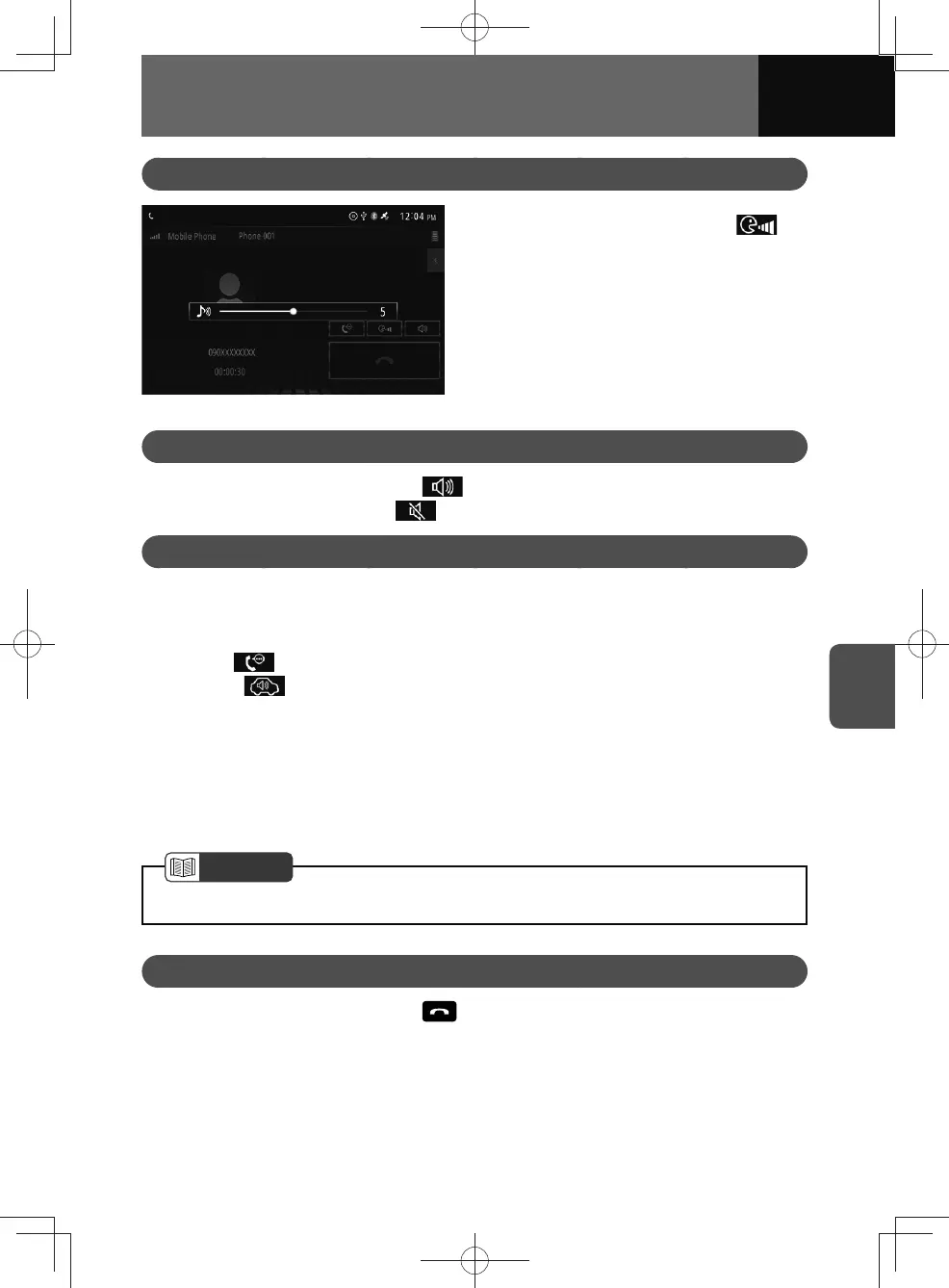
Adjusting Call Volume
1. On the call screen, touch .
2. Touch the volume bar or drag the
cursor to adjust the volume.
Setting a Call on Mute
1.
On the talking screen, touch .
• To cancel the mute, touch again.
Switching Call Audio Output
You can switch between your car speaker system and your mobile phone. In mobile
phone mode, you can only use your mobile for calls.
<Operating from the unit>
1. Touch .
• Touch to switch to handsfree call.
<Operating from the mobile phone>
You can transfer calls while making and receiving a call, talking, and placing a call on
hold.
• The transfer methods and operations vary depending on the type of mobile
phone. For more details of operations on the mobile phone, see the mobile phone
instruction manual.
NOTE
• In some cases, the sound may cut out when switching between call modes.
Ending a Call
1.
On the talking screen, touch to end the call.
• Ending the call will return you to the last mode.











 To Next Page