4-32
NAVIGATION (Models with NAVI)
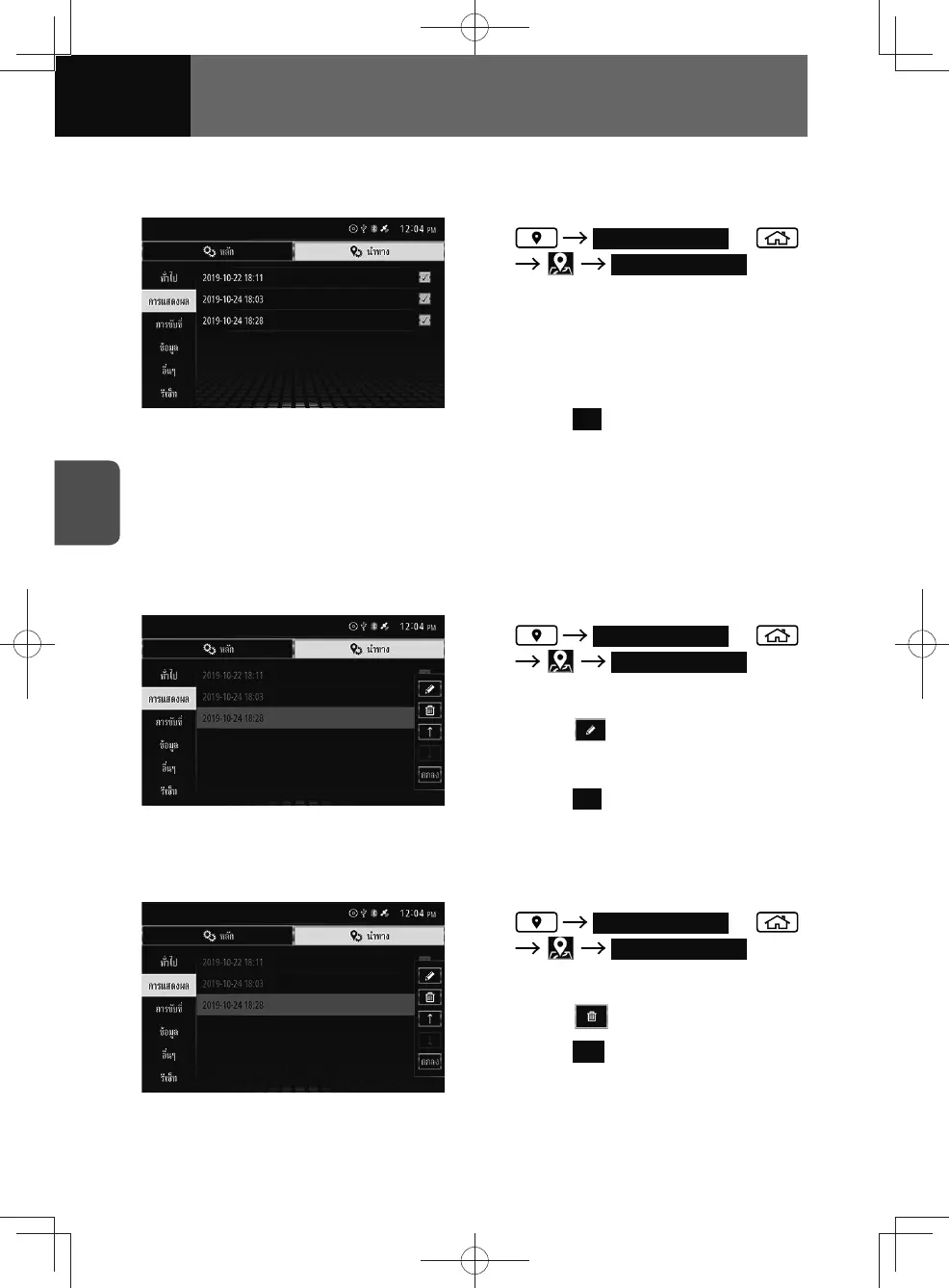
Displaying track logs
You can select track logs to be displayed on the map.
1. Track Log Display or
Track Log Display
2. Touch the check boxes of the
desired track logs to place a
check.
3. Touch the list.
4. Touch OK .
• The selected track logs will be
displayed on the map. (only off-road
map)
Editing the name of track logs
You can change the name of the saved track logs.
• Track logs are saved under the name of the date on which they are recorded.
1. Track Log Display or
Track Log Display
2. Touch the desired track log.
3. Touch .
4. Enter the desired name.
5. Touch OK .
Deleting track logs
You can delete track logs.
1. Track Log Display or
Track Log Display
2. Touch the desired track log.
3. Touch .
4. Touch Yes .
• You can delete all track logs at
once. (See page 3-34)











 To Next Page