5-25
AUDIO
Changing the subtitle language
If the disc contains multiple subtitle languages, you can change subtitles.
1. Touch .
• Each touch of changes the language.
NOTE
• On some discs, the subtitle languages can be changed only from the top menu.
Changing the angle
If the disc includes multiple angles, it is possible to change the angle.
1. Touch .
• Each time you touch , angle changes to the next angle in the sequence.
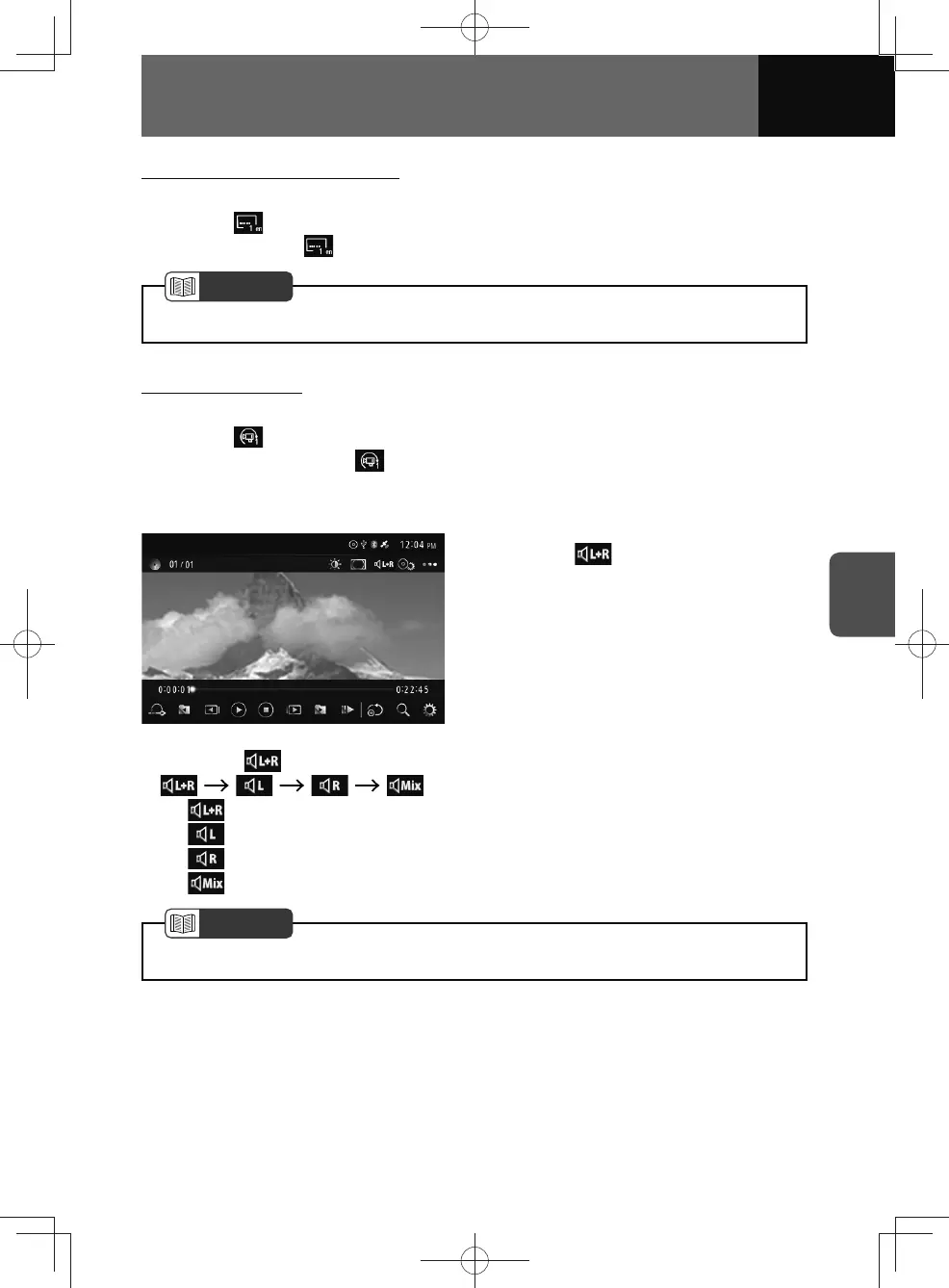
Audio output
1. Touch .
• Whenever is touched, the mode is switched in the following order.
...
−
: Outputs the left and right channels audio.
−
: Outputs the left channel audio.
−
: Outputs the right channel audio.
−
: Outputs the audio mixed with left and right channels.
NOTE
• Operation and screens may differ due to DVD disc settings.











 To Next Page