4-21
NAVIGATION (Models with NAVI)
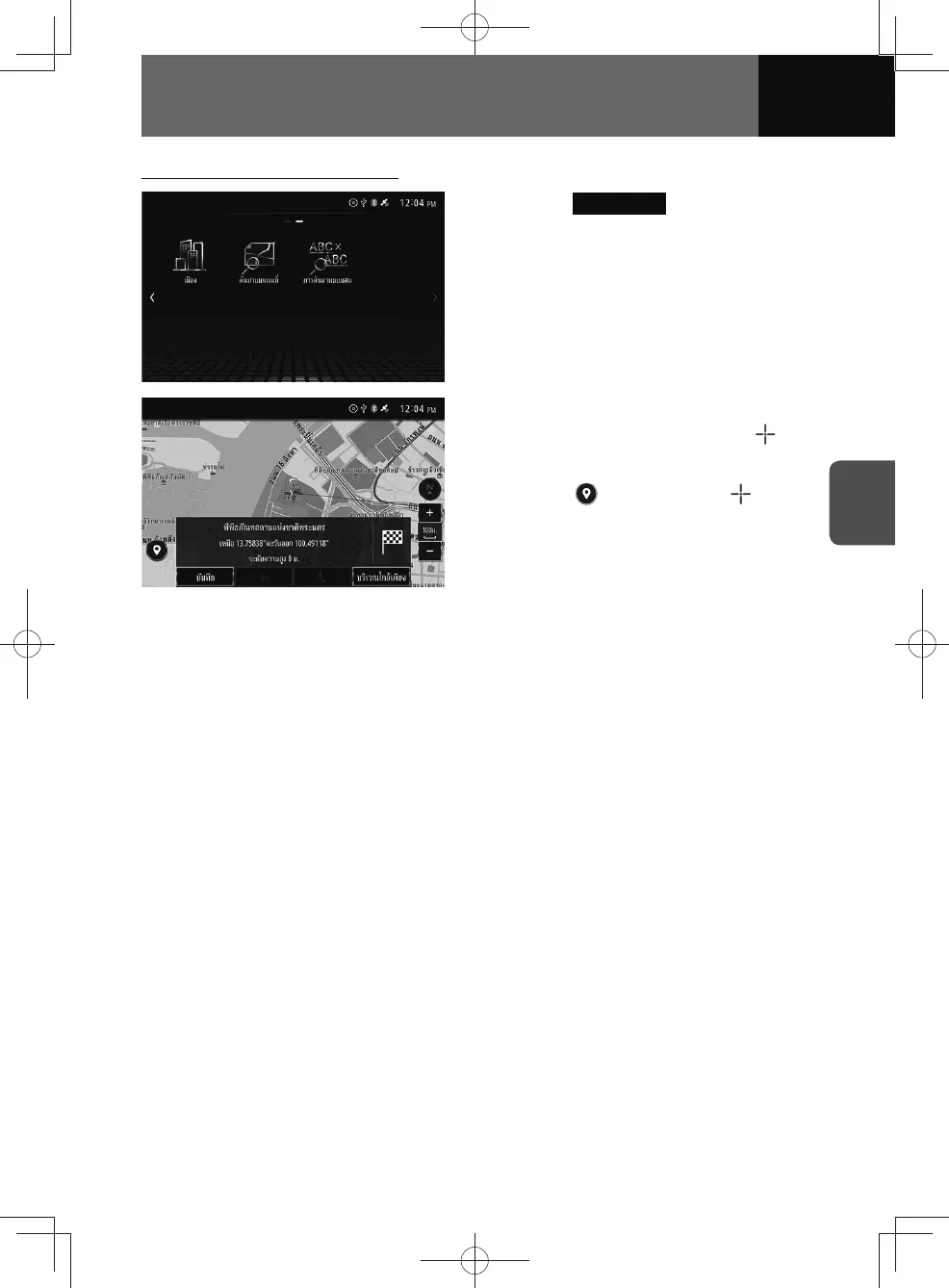
Searching by scrolling the map
1. Touch Map Search .
2. Drag the map in the desired
direction to scroll, and then
marker over the desired location.
3. Touch , or hold down
marker.
• Display the destination location
map and information. (See page
4-23)











 To Next Page