5-8
AUDIO
Selecting a folder (MP3/WMA/AAC file only)
1. Touch or .
• : To return to the first file in the previous folder.
•
: To advance to the first file in the next folder.
Selecting a track or file
1. Touch / , or press .
• or :
– Touching once will return to the start of the current track or file.
– Touching twice in quick succession will return to the previous track or file.
•
or :
Continue to the next track or file.
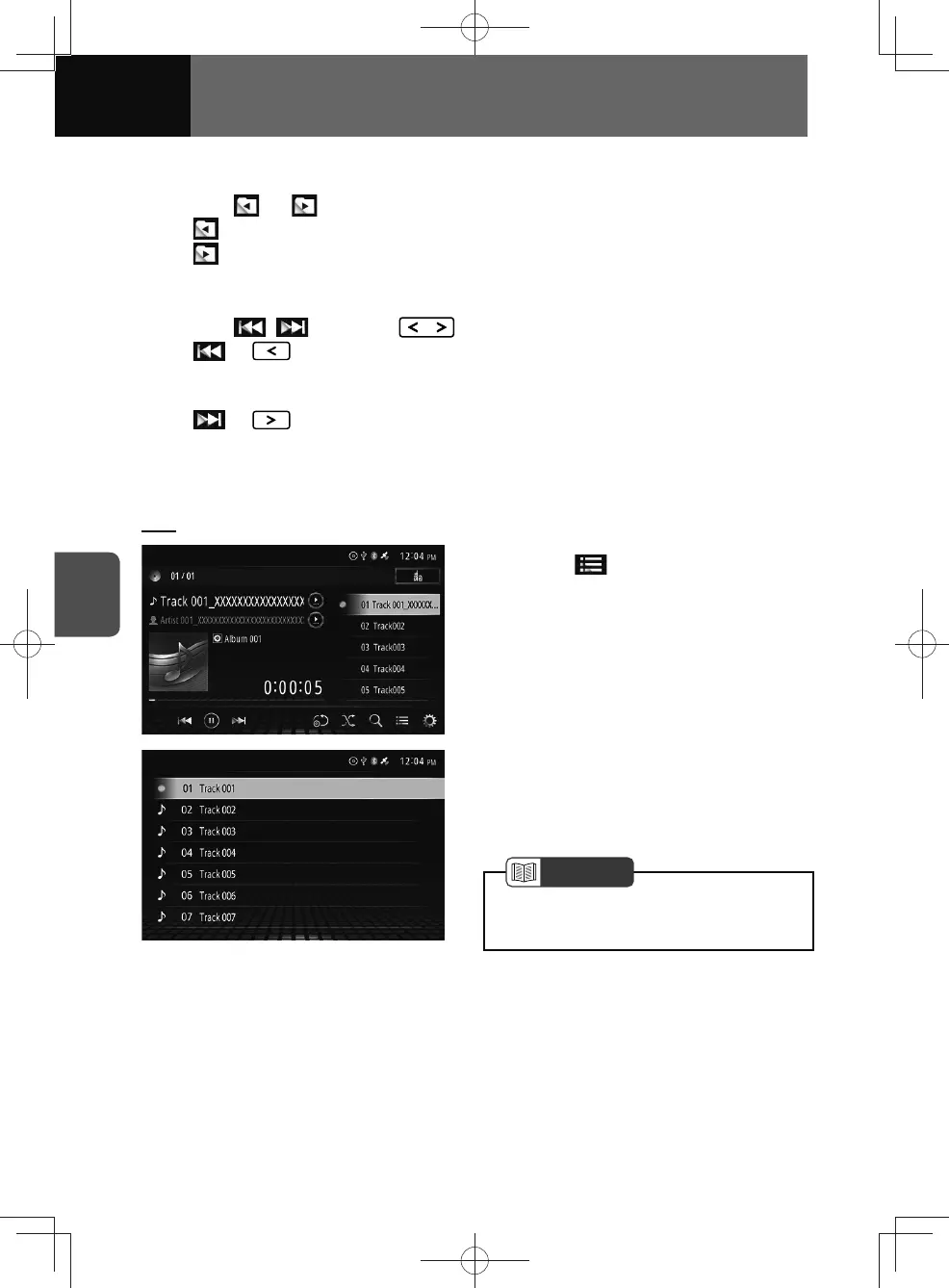
Searching for a track or file from the list
CDs
1. Touch .
2. Touch the desired track.
• The selected track starts to play.
• Swipe the screen up or down:
Scroll the list.
NOTE
• The title name of the disc recorded in
the CD-TEXT format appears.











 To Next Page