3-13
SETTINGS
Audio Settings
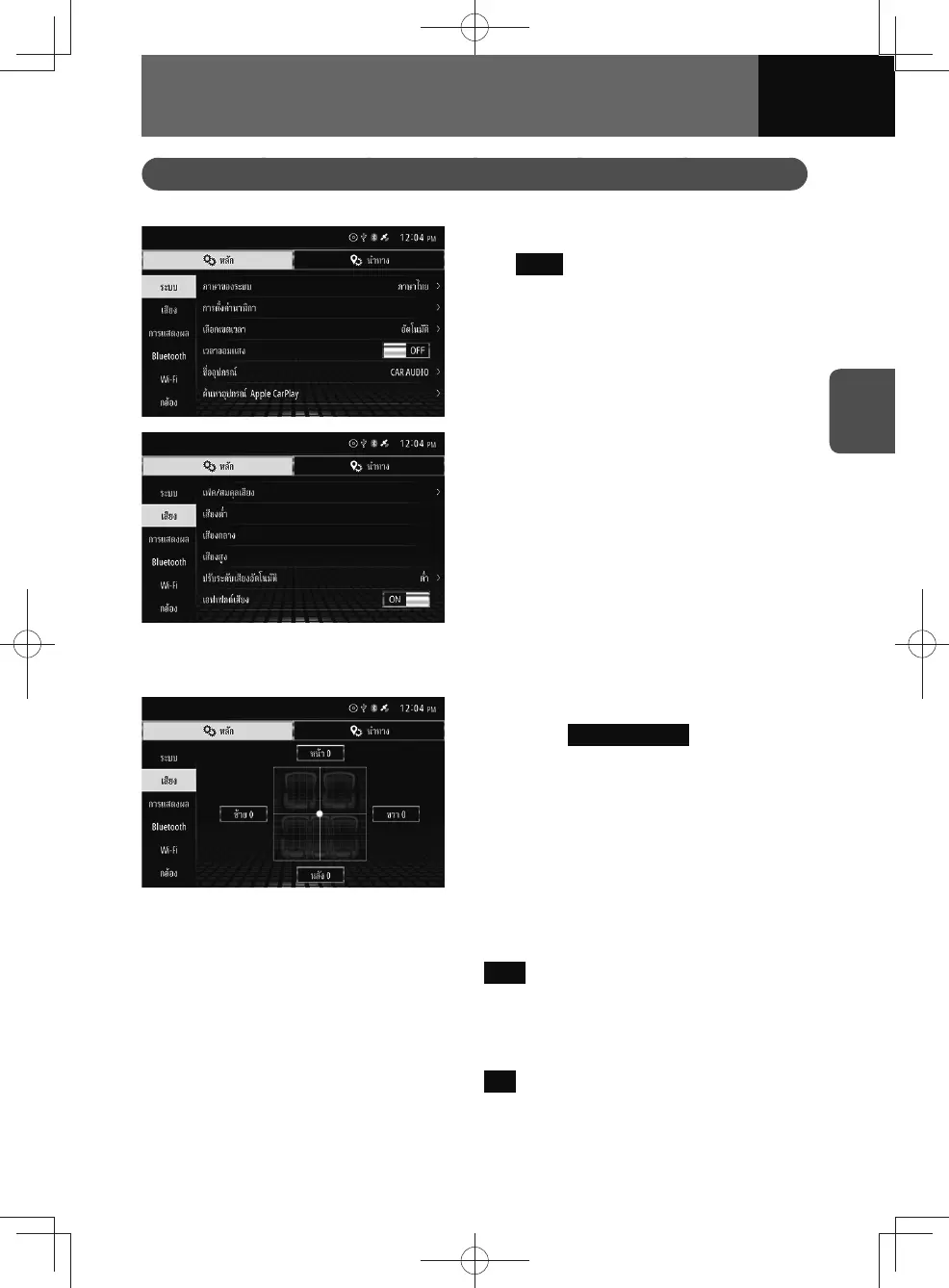
This allows you to change audio settings.
1. On the settings screen, touch
Audio .
2. Touch the setting you want to
change.
Fader / Balance settings
1. On the Audio settings screen,
touch Fader / Balance .
2. Drag the cursor to the position
you want.
Bass settings
1. On the Audio settings screen, touch Bass .
2. Drag the cursor to the position you want.
Mid settings
1. On the Audio settings screen, touch Mid .
2. Drag the cursor to the position you want.











 To Next Page