3-28
SETTINGS
Wi-Fi Settings
For Wi-Fi supported standards, see "Specifications" on page 11-23.
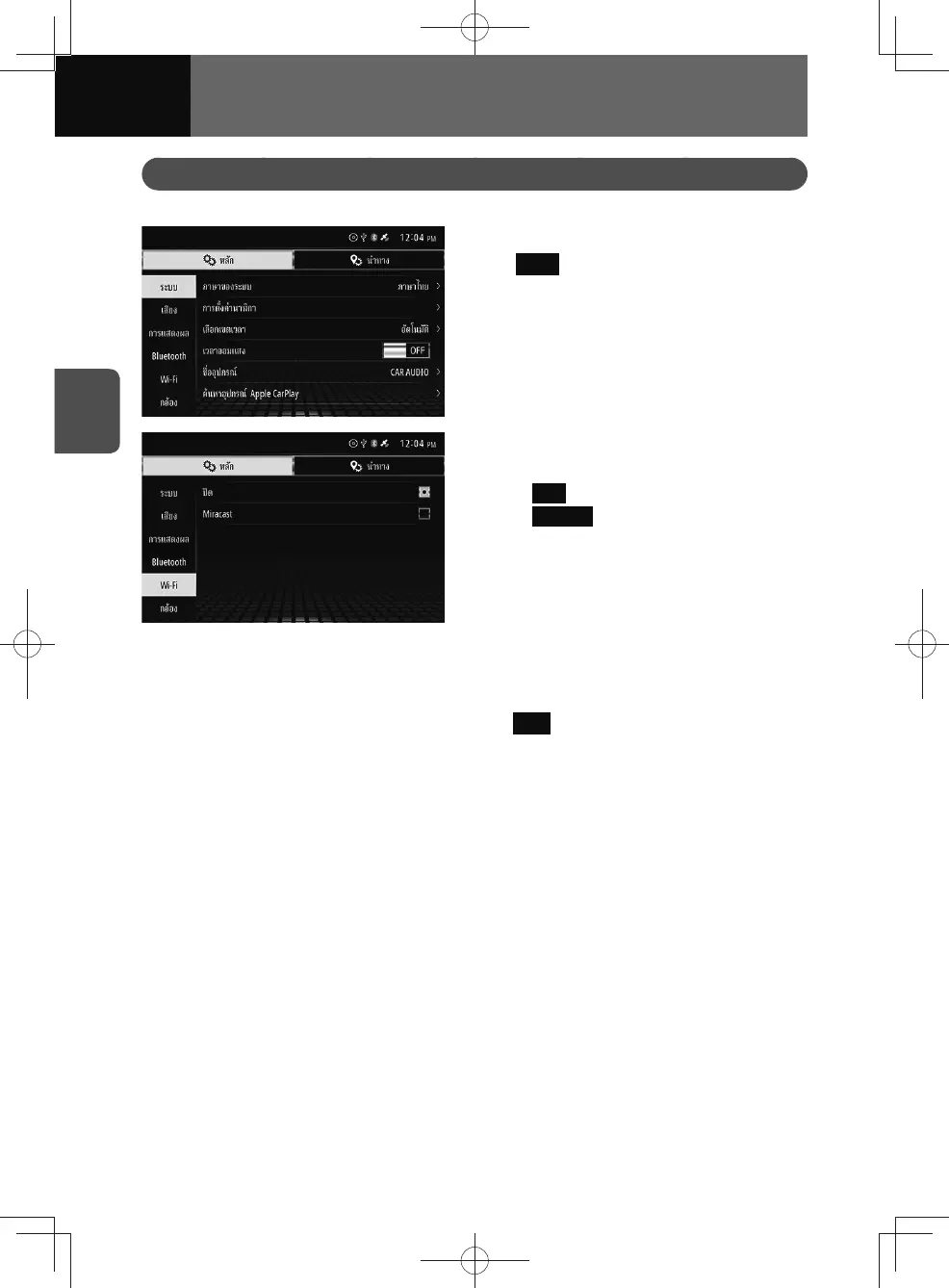
1. On the settings screen, touch
Wi-Fi .
2. Touch the setting you want to
change.
• OFF : (See page 3-28)
•
Miracast : (See page 3-29)
Turning Wi-Fi off
This allows you to turn Wi-Fi features off.
1. On the Wi-Fi settings screen, touch the OFF .
• Wi-Fi features are turned off when the box is checked.











 To Next Page