3-18
SETTINGS
Bluetooth Settings
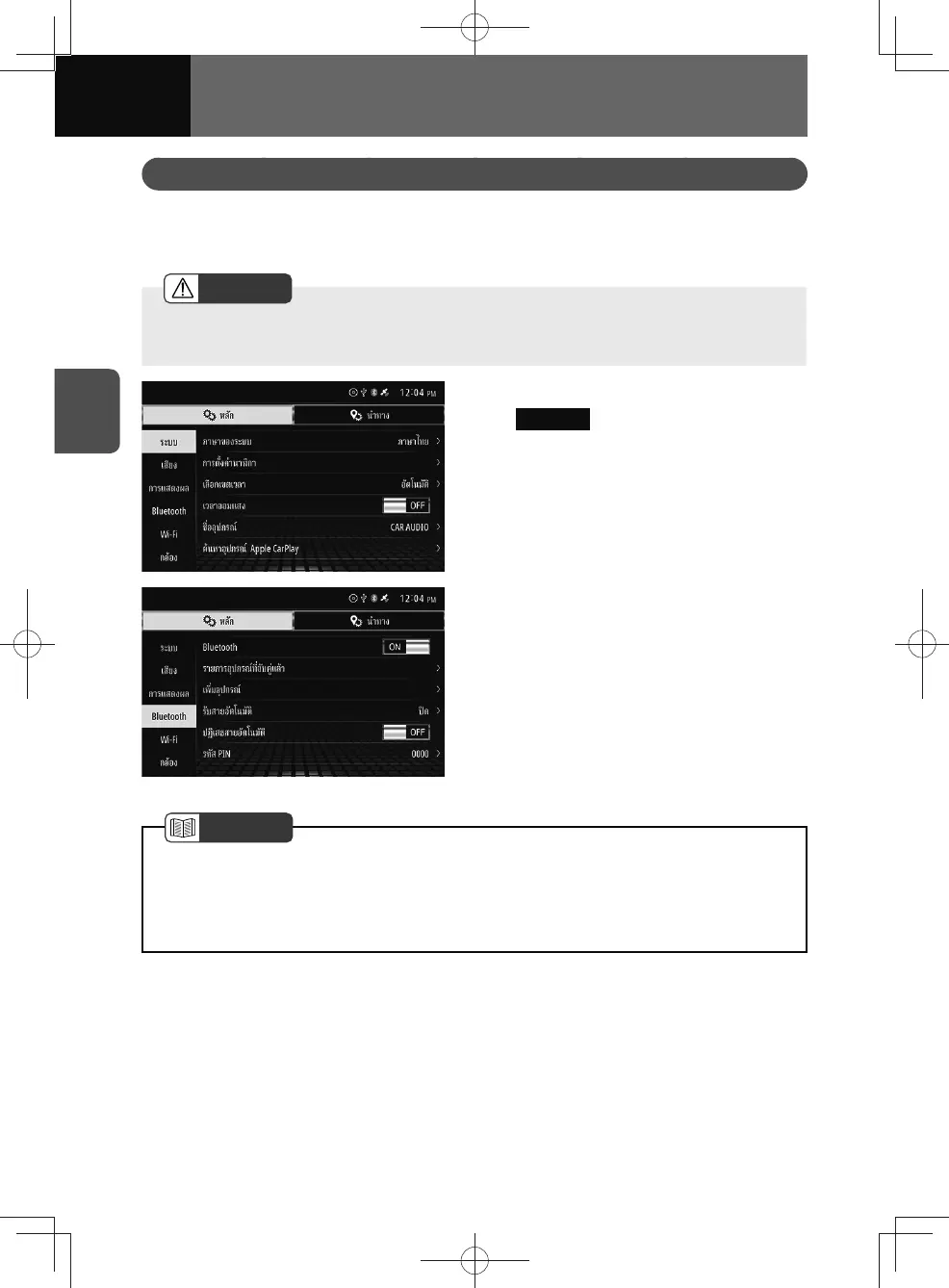
The Bluetooth settings screen allows you to add/remove mobile phones or portable
devices, connect or disconnect, change passcodes (passkeys), and view detailed
Bluetooth settings.
WARNING
• Do not add or adjust Bluetooth settings while driving. Stop your vehicle in a safe
place and apply the parking brake before adjusting Bluetooth settings.
1. On the settings screen, touch
Bluetooth .
2. Touch the setting you want to
change.
NOTE
• See the user manual of your mobile phone or portable device for details on
operation.
• The Bluetooth audio signal may cut out when switching between mobile phone/
portable device connections.











 To Next Page