4-17
NAVIGATION (Models with NAVI)
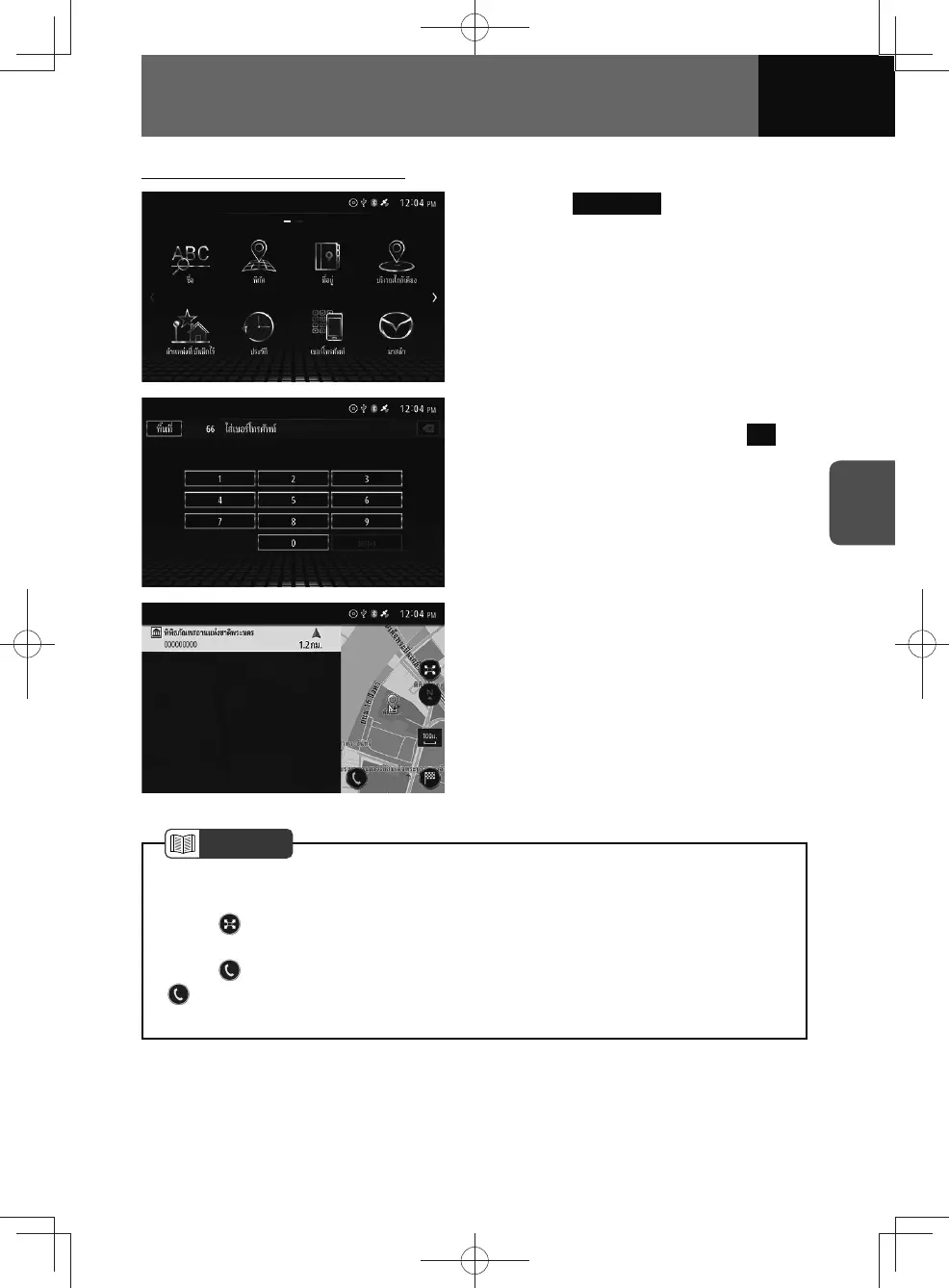
Searching by telephone number
1. Touch Tel Number .
2. Enter the telephone number for
the destination, then touch OK .
3. Select the desired destination
from the list.
NOTE
• A search is not made for telephone numbers that are not registered in the map
data.
• Touch
, you can save the searched location (See page 4-24) or search for
POIs in surrounding areas on the location confirmation screen. (See page 4-23)
• Touch
, you can call registered telephone numbers.
•
is not displayed if you mobile phone is connected to the unit via Bluetooth
connection, or if the map data does not contain telephone number information.











 To Next Page