3-9
SETTINGS
System reset
This allows you to delete all registered data/system settings and restore the unit to its
factory defaults.
1. On the System settings screen,
touch Reset .
• The system reset screen will be
shown.
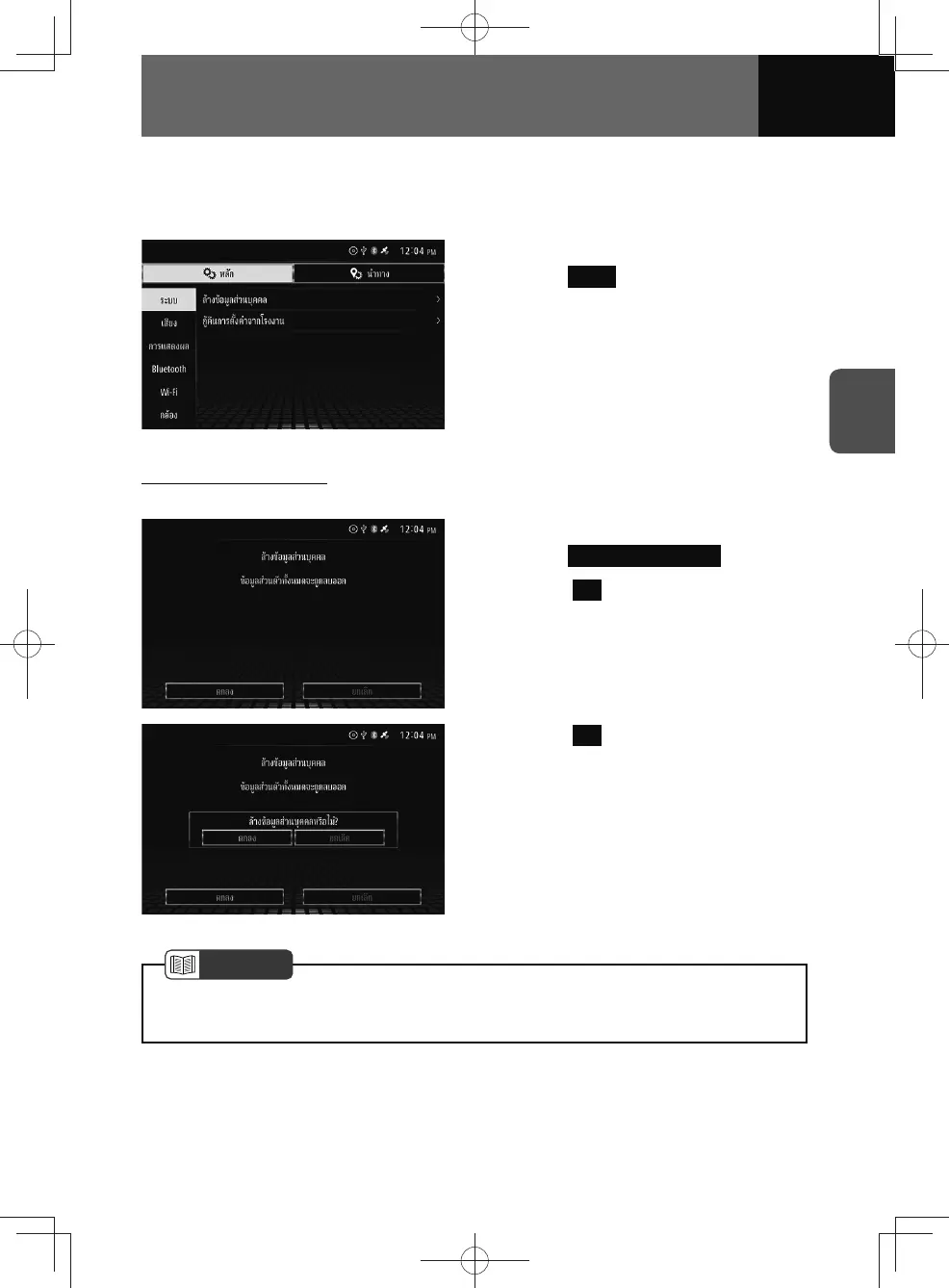
Deleting personal data
The settings and the data in application that were saved by the user can be cleared.
1. On the Reset settings screen,
touch Clear Personal Data .
2. Touch OK .
3. Touch OK .
NOTE
• Personal data cannot be recovered once it is deleted. Take ample care when
resetting system.











 To Next Page