3-2
SETTINGS
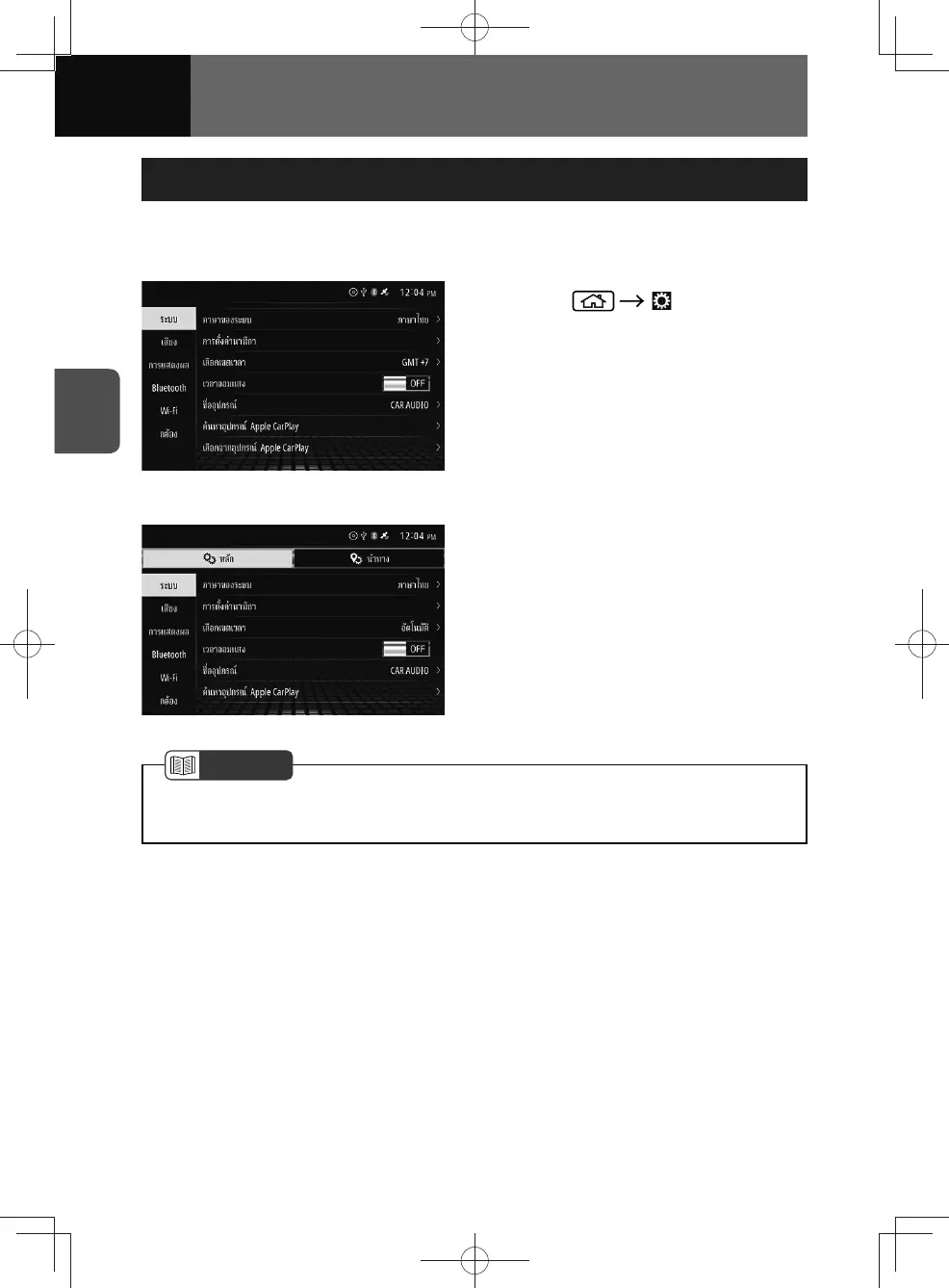
Displaying the Settings Screen
This allows you to configure settings and navigation settings for the entire unit.
<Models without NAVI>
1. Touch (Settings).
<Models with NAVI>
NOTE
• See "Displaying the Navigation Settings Screen" on page 3-31 for the navigation
settings.
Touch a settings button on the left-hand side of the screen to view an option.
• System settings (See page 3-3)
• Audio settings (See page 3-13)
• Display settings (See page 3-16)
• Bluetooth settings (See page 3-18)
• Wi-Fi settings (See page 3-28)
• Camera settings (See page 3-30)











 To Next Page