4-20
NAVIGATION (Models with NAVI)
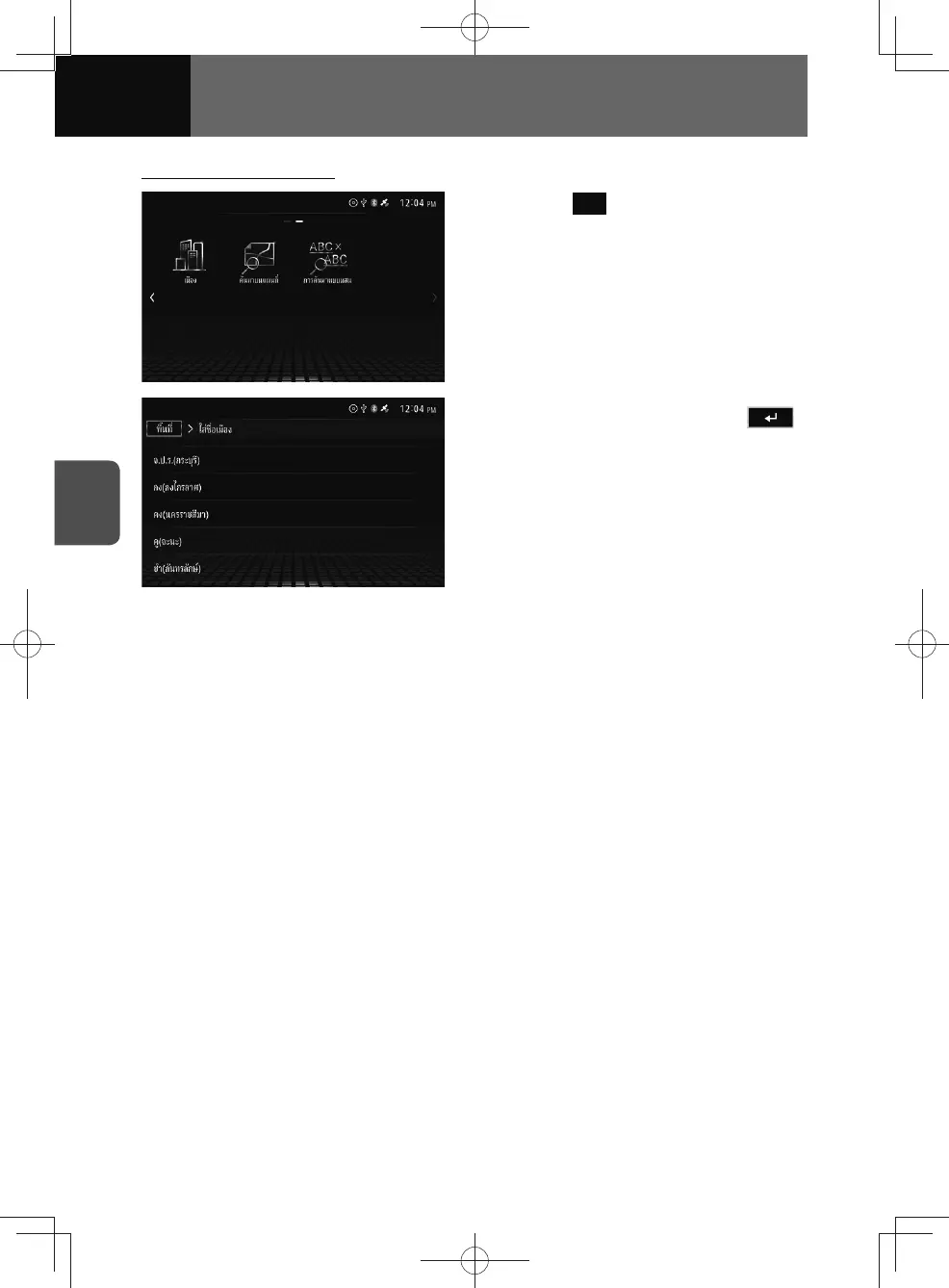
Searching by city name
1. Touch City .
2. Enter the city name, touch .
• A list of cities in the selected zone
is displayed below the text input
area. You can also select the city
from the list.
• The city name list is sorted in
matching order from the front each
time a character is entered.
3. Select the desired destination
from the list.
• Display the destination location
map and information. (See page
4-23)











 To Next Page