9-4
STEERING WHEEL BUTTONS
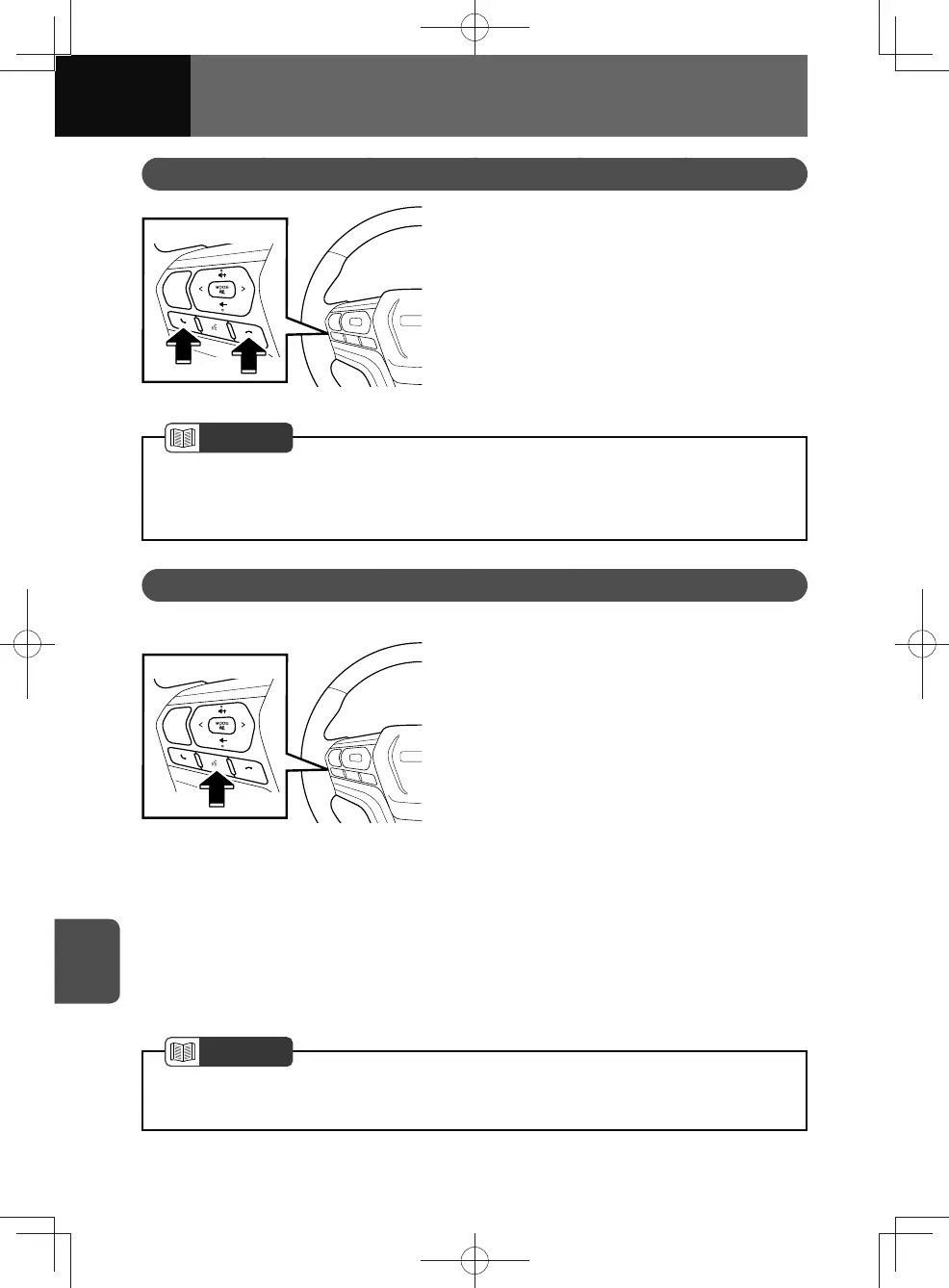
Phone Button
*1
*2
1. Press this button when you
receive a call to answer or end/
reject call.
*1: Receiving a call
*2: Ending or Rejecting call
NOTE
• The phone button is available only when the connection with a Bluetooth mobile
phone is established.
• Bluetooth handsfree feature is subject to mobile phone compatibility.
Speech Recognition Button
<Models with NAVI>
1. Press this button to activate
speech recognition mode.
• For details on the speech
recognition system functions, see
"Speech Recognition System
Operation" on page 8-3.
• Press and hold this button while
using Apple CarPlay or Android
Auto to start smartphone speech
recognition.
<Models without NAVI>
WARNING
1. Press this button while using
Apple CarPlay or Android Auto
to start smartphone speech
recognition.
NOTE
• Press and hold this button while Apple CarPlay or Android Auto are not running will
take you to the Apple CarPlay Bluetooth connection screen. (See page 7-9)











 To Next Page