5-34
AUDIO
Watching a Video CD
CAUTION
• Do not forcibly insert a Video CD into the unit, as this may result in damage to your
Video CD disc or to the unit.
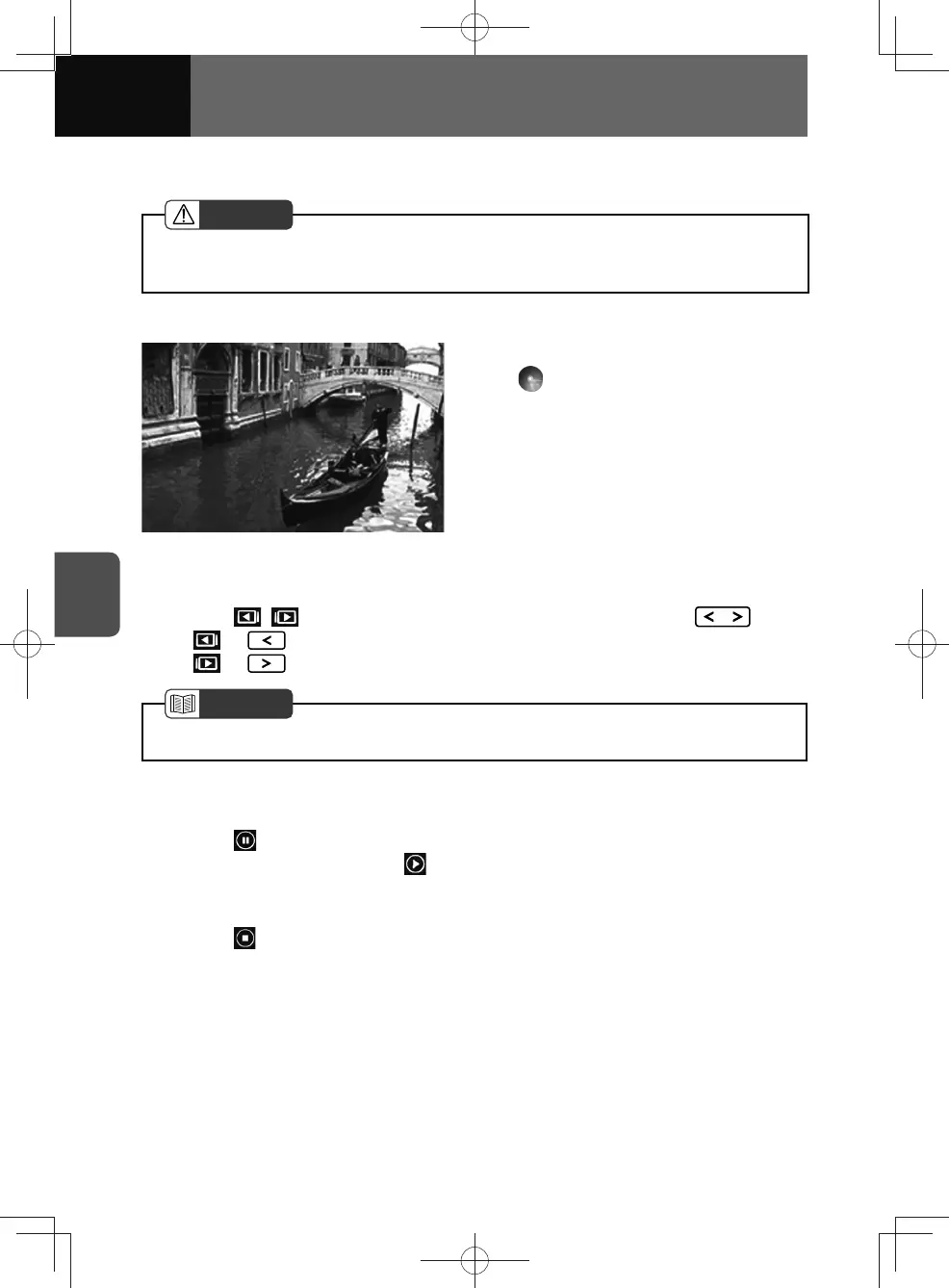
Playback starts when a Video CD is inserted into the disc slot.
1. On the audio menu screen, touch
.
• The playback starts.
• Touch the video image to enter
full-screen mode. To display the
operation button (touch button)
again, touch the screen.
Fast forwarding and fast reversing
1. Touch / for more than 0.5 seconds, or press and hold .
• or : Fast reverse.
•
or : Fast forward.
NOTE
• Fast forward or fast reverse operates until you release the button.
Pausing playback
1. Touch .
• To resume playback, touch .
Stopping playback
1. Touch .











 To Next Page