2-6
BEFORE USE
Inserting and Ejecting a Disc
(If Equipped with Disc Player)
Inserting a disc
CAUTION
• Do not forcibly insert a disc into the unit, as this may result in damage to your disc
or to the unit.
1. Insert a disc into the disc slot.
• After insertion, a disc is automatically played.
Ejecting a disc
CAUTION
• When removing a disc from the unit, pull it out horizontally. Do not strongly pull up
or push down the disc while removing it. Doing so may damage the disc or cause
skipping.
1. Press .
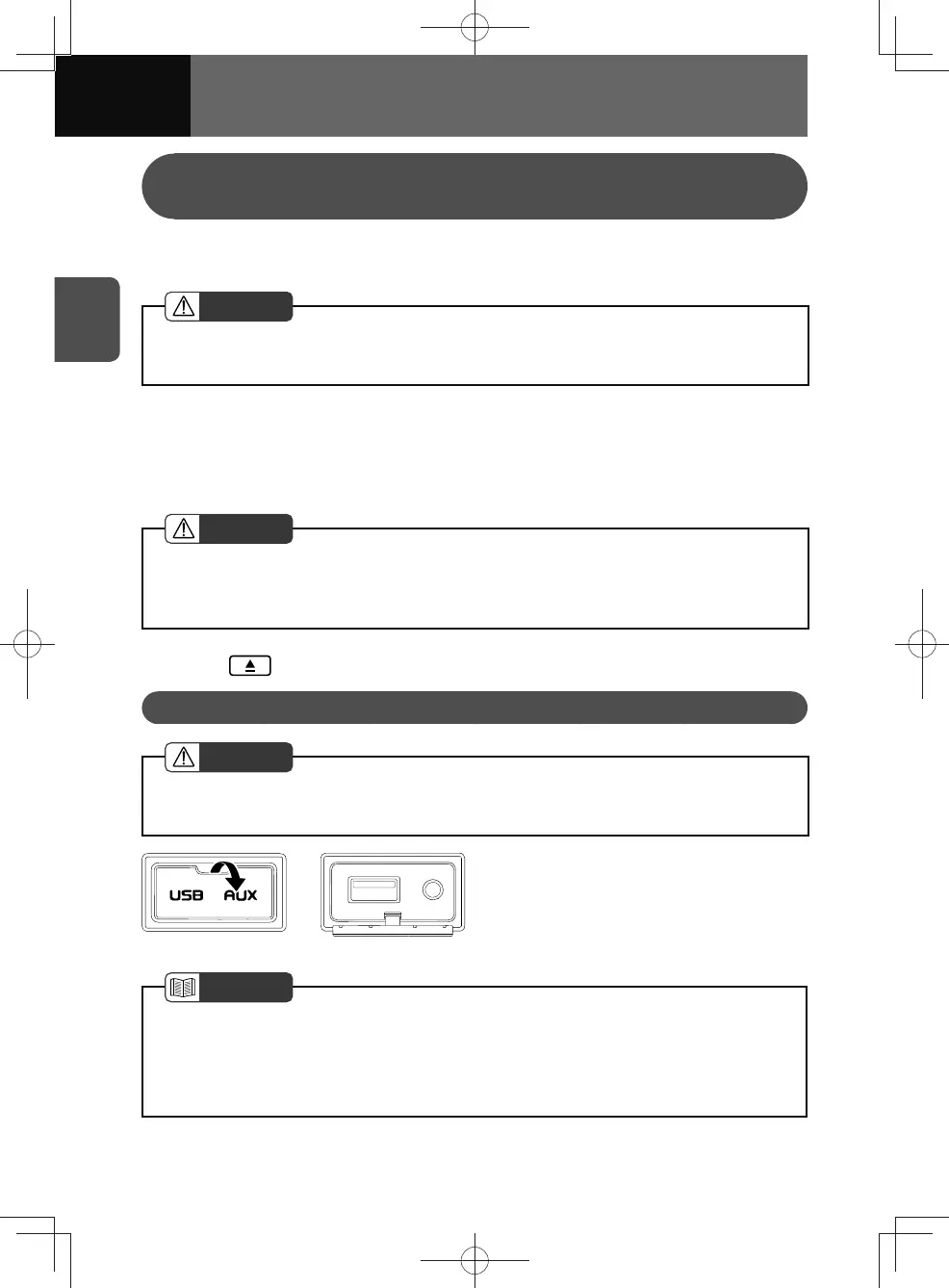
Connecting via the USB/AUX Terminal
CAUTION
• The USB connection cable or an AUX (auxiliary) connection cable must be placed
where it does not interfere with safe driving.
1. Connect a USB flash drive or
portable audio device to the USB/
AUX terminal.
NOTE
• A USB connection cable is required for connecting an iPod or a smartphone.
• This unit may not achieve optimum performance with some USB flash drives.
• This unit does not support USB hubs.
• An AUX connection cable is required for connecting a portable audio device.











 To Next Page