2-13
BEFORE USE
Customising the Home Screen
Widget
Add frequently used functions to the home screen as widgets.
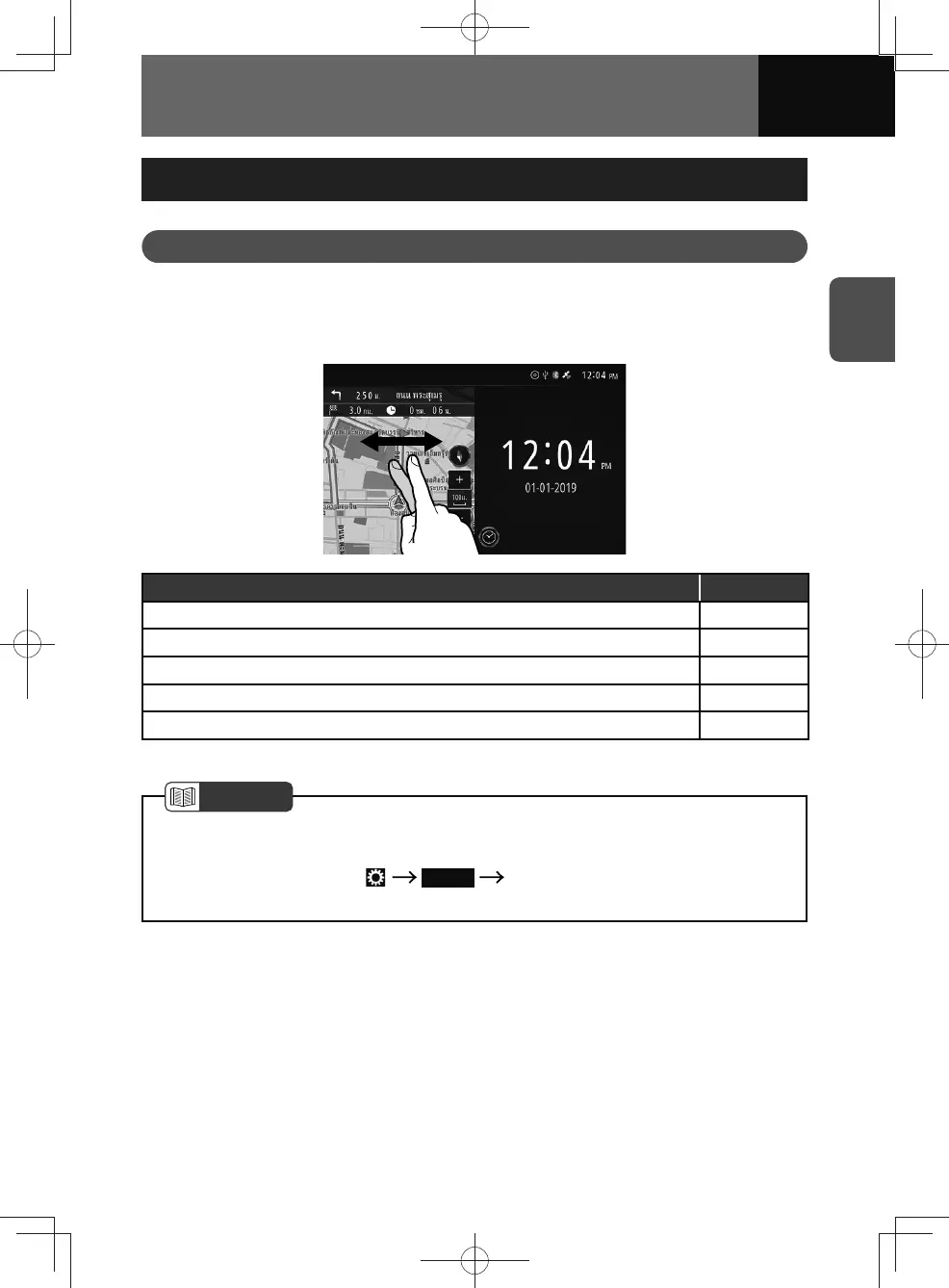
Selecting a widget on the Home screen
You can select a widget by flick a finger left or right on the widget you want to change.
Function Page
Clock/calendar widget 2-14
Audio source widget 2-15
Compass widget 2-16
Navigation widget* 2-17
Traffic widget* 2-18
* Models with NAVI only
NOTE
• The same widget cannot be selected on the left and right of the screen.
• The default setting for models without a navigation system is full-screen. To enable
two-screen display, touch
Display "Home Screen" setting is turn "ON".
(See page 3-16)











 To Next Page