3-5
SETTINGS
Time zone settings
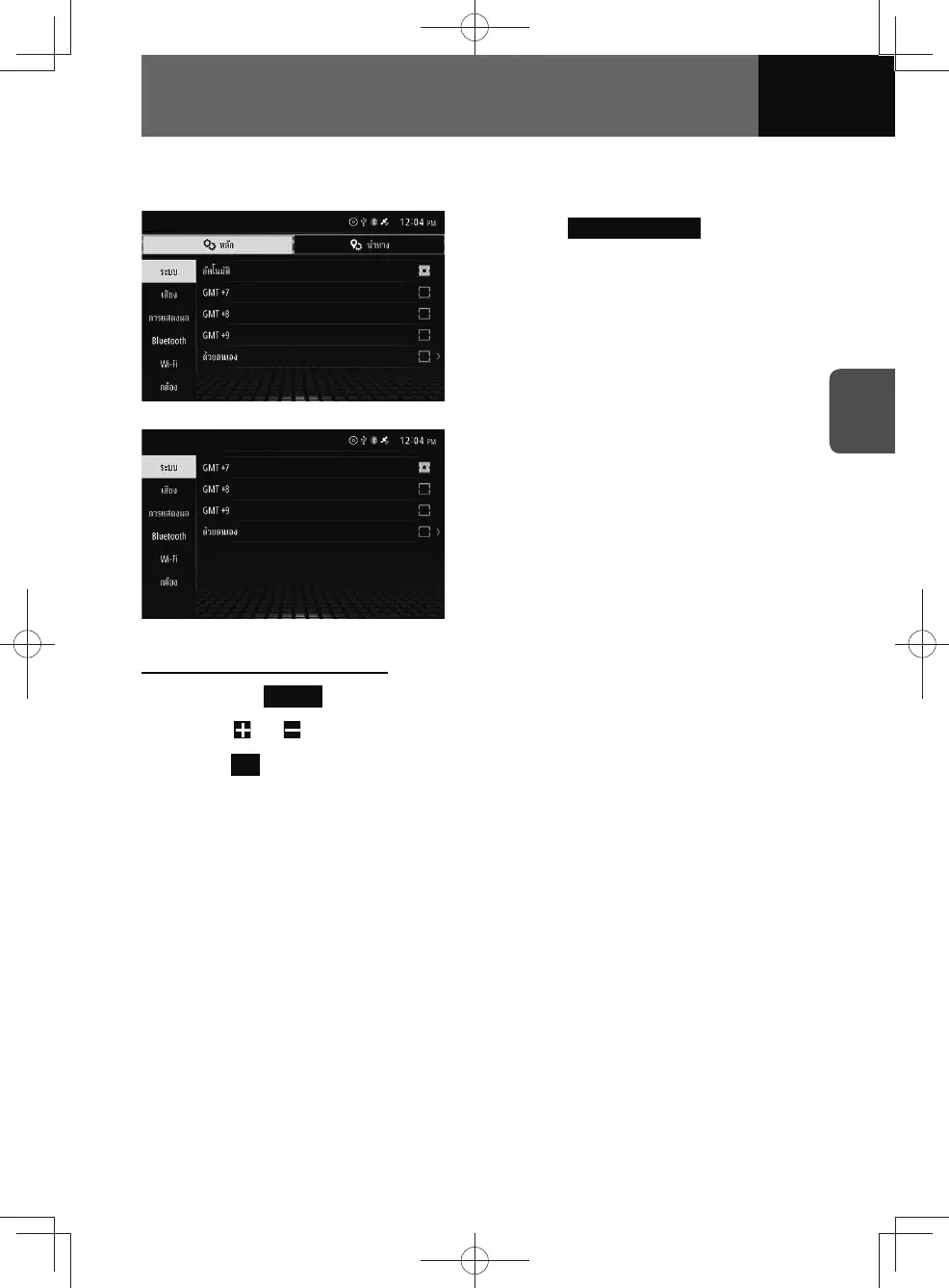
<Models with NAVI>
<Models without NAVI>
1. On the System settings screen,
touch Select Time Zone .
2. Touch your time zone.
Configure time zone manually
1. Touch the Manual button on the select time zone screen.
2. Touch or to set the time.
3. Touch OK .
Daylight saving time settings
You can configure daylight saving time.
1. On the System setting screen, touch the toggle button in "Daylight Saving
Time".
• Touch "ON/OFF" to change the setting of daylight saving time.
• When set to on, the current time is advanced by one hour.











 To Next Page