4-31
NAVIGATION (Models with NAVI)
Track Log
Using the Track Log
Recording a track log
This unit can be record a travelling locus when a vehicle on an off-road driving (track
log). Track log can only be seen on the off-road.
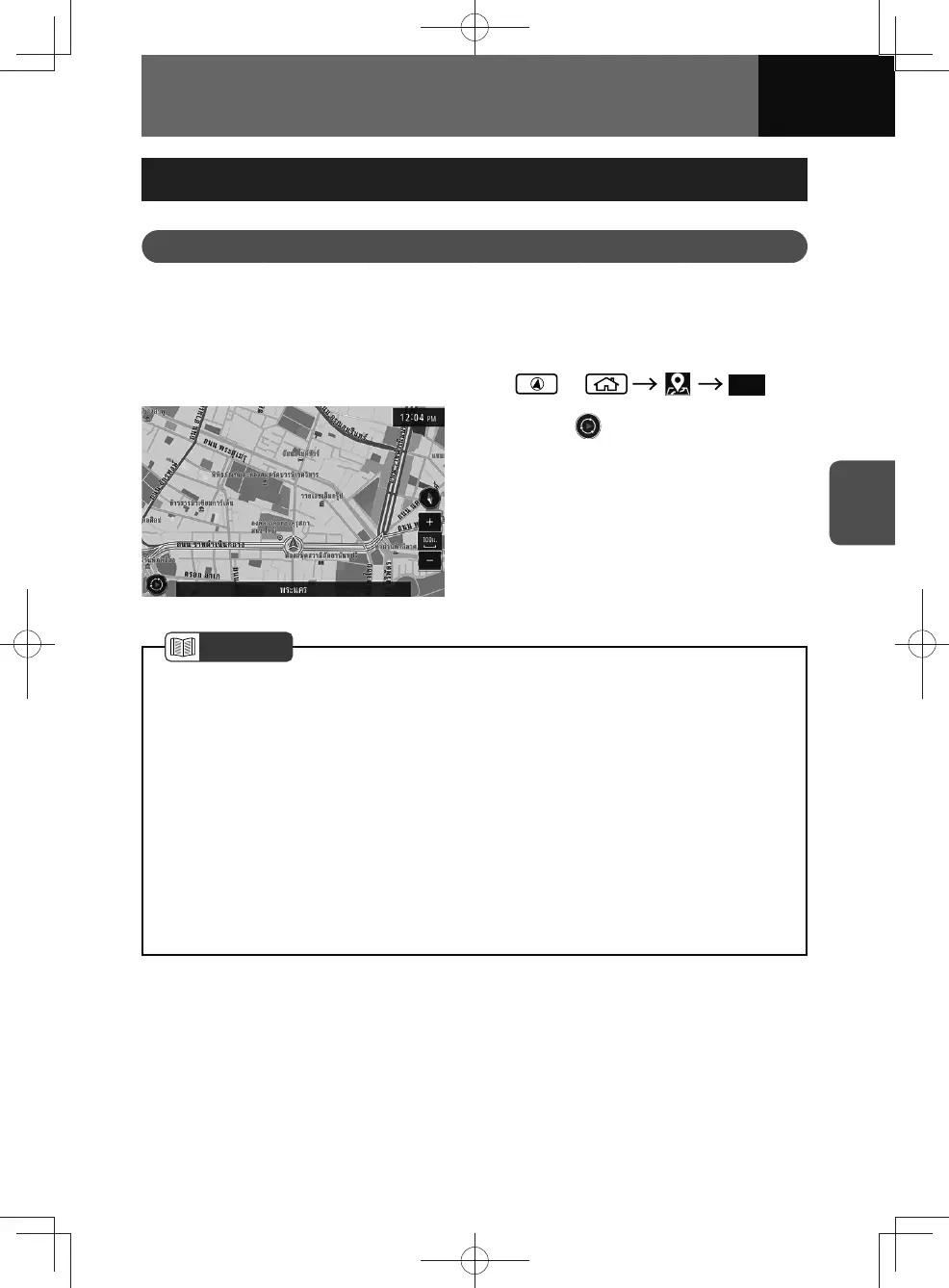
1. or Map
2. Touch to start recording a
track log.
NOTE
• The touch screen button appears automatically when the current position of the
vehicle is displayed on the map and you begin driving off-road. Track logs can be
recorded every 10 m.
• Touch the touch screen button again to stop recording. The track log is saved.
• The touch screen button disappears automatically, if you begin driving on a road
when a track log is not being recorded.
• If you begin driving on a road while recording a track log, the touch screen button
disappears after the recording is stopped by touching the touch screen button.
• If the total number of track logs has reached the maximum number, delete the
saved track logs to record another track log. Up to 20 track logs can be recorded.
(See page 4-32)
• You can display saved track logs on the map. (See page 4-32)











 To Next Page